How to Fast Travel in Dynasty Warriors Origins
- By Olivia
- Feb 19,2025
Dynasty Warriors: Origins, while not open-world, features a sizable map. Early exploration is straightforward, but navigating the expanding map as the story progresses becomes time-consuming. This is exacerbated by the constant unlocking of skirmishes and requests, often requiring significant backtracking. Mastering fast travel is crucial for efficient gameplay, especially for completing side content.
Fast Travel in Dynasty Warriors: Origins
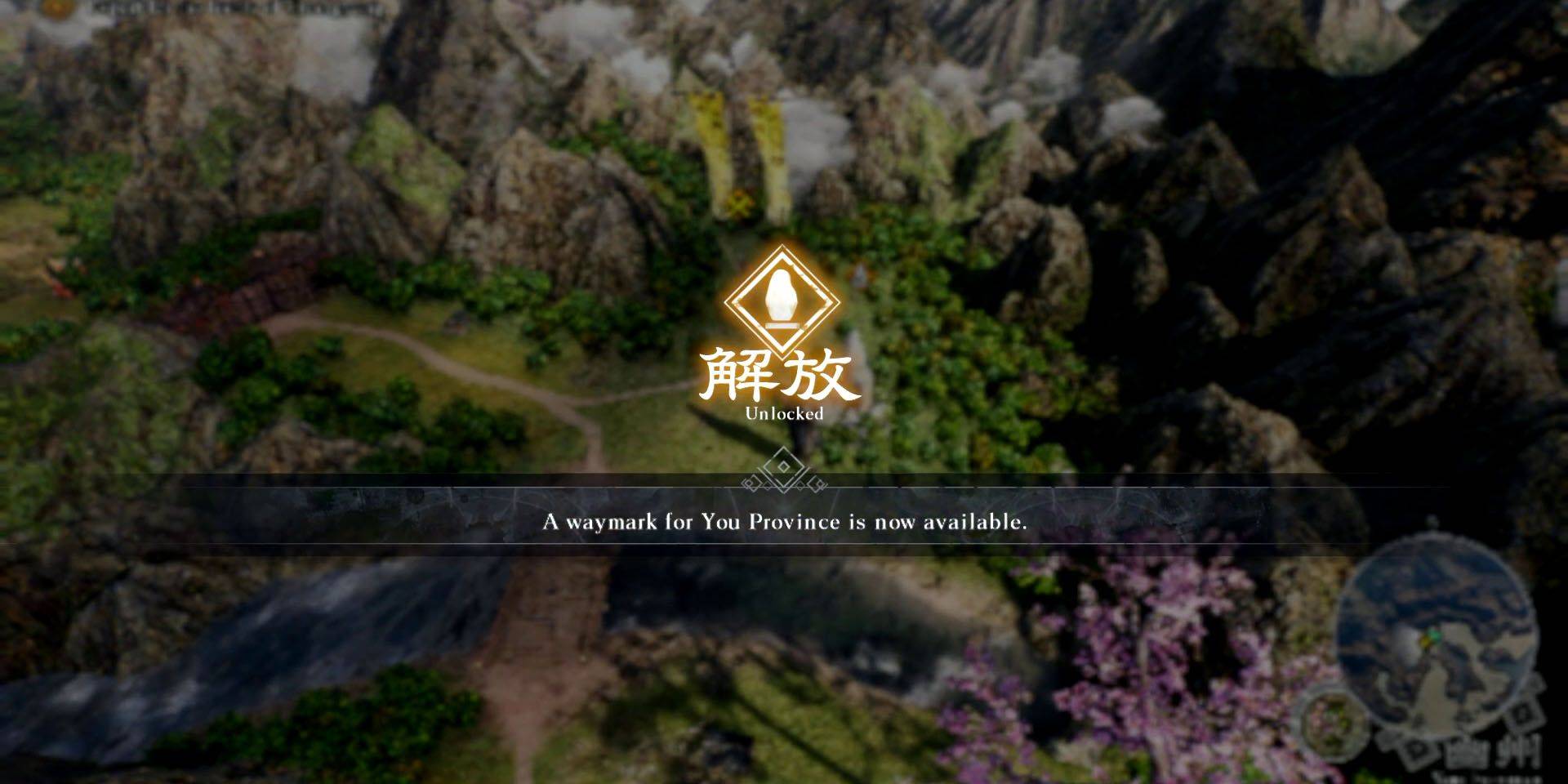 Fast travel utilizes Waymarks accessed via the in-game map. Unlocking Waymarks is essential; approach a Waymark on the world map and hold X (PlayStation) or A (Xbox) to register it. Unlocked Waymarks then appear on the map screen, enabling instant travel.
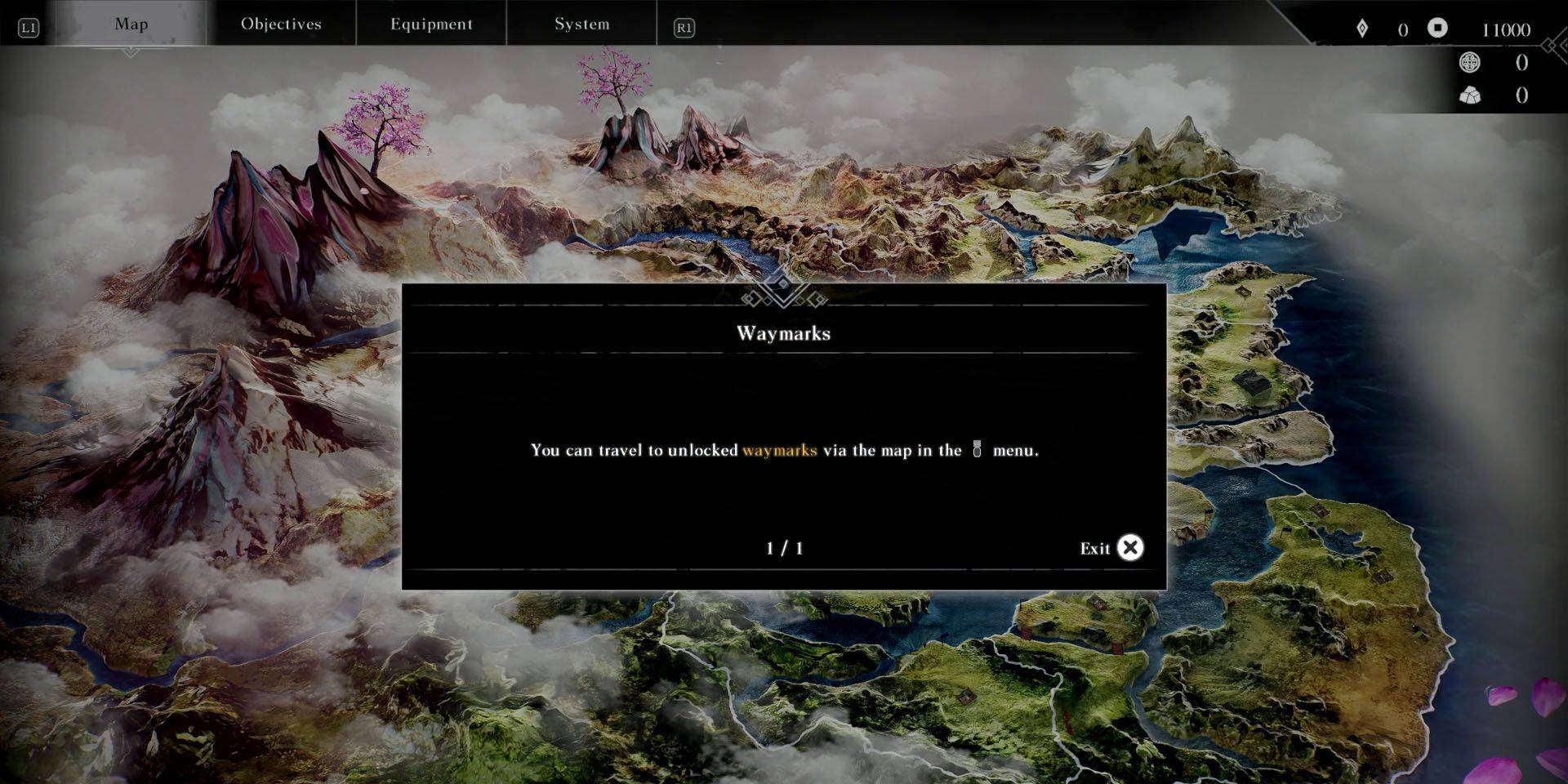 Access the map outside of combat by interacting with an unlocked Waymark or pausing the game and navigating to the Map menu using the shoulder buttons. PlayStation players can quickly access the map via the DualSense touchpad while on the world map.
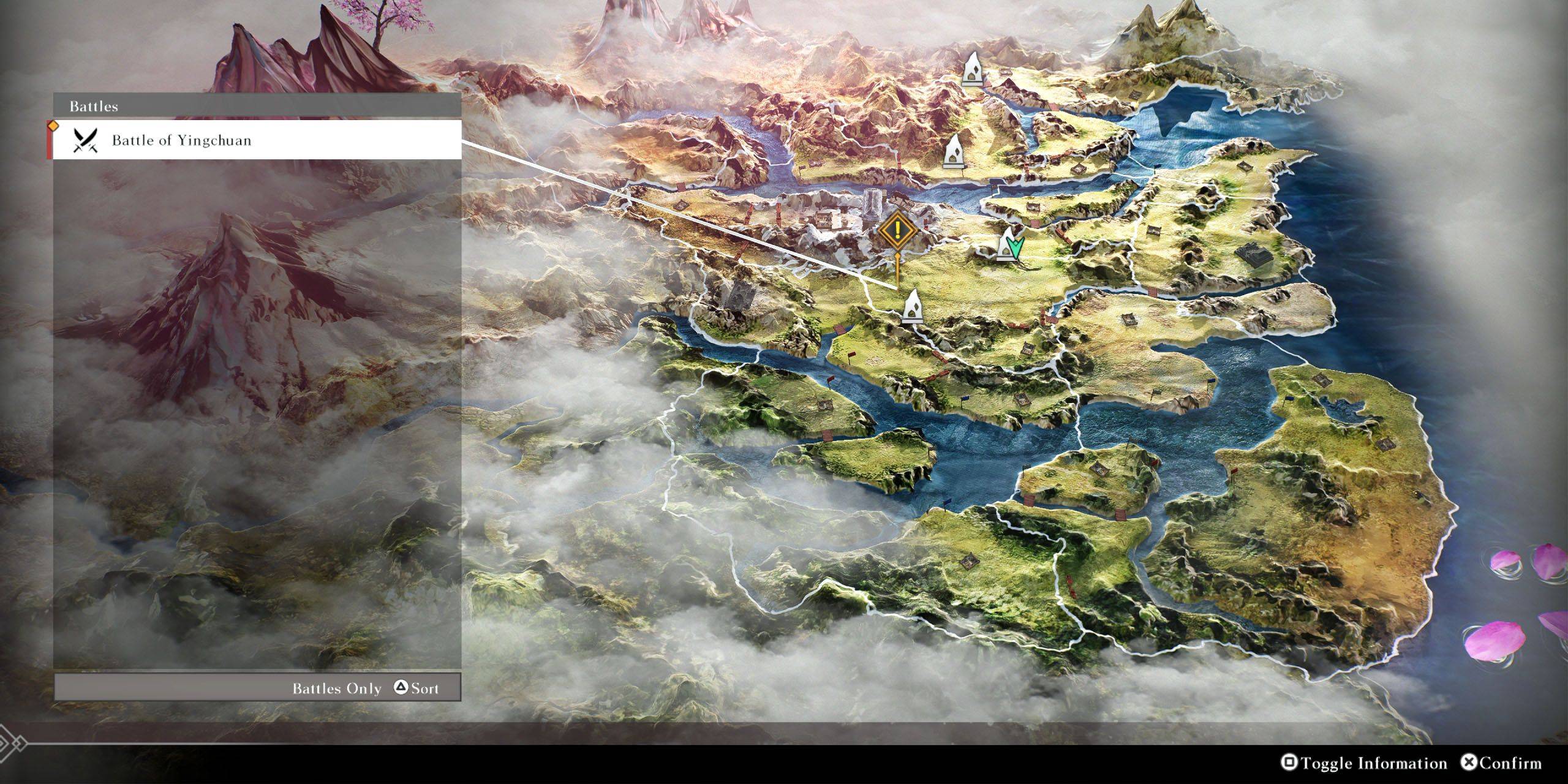 On the map screen, hovering over an unlocked Waymark displays nearby key locations or battles. Press Square (PlayStation) or X (Xbox) to toggle information about these points of interest. Use Triangle (PlayStation) or Y (Xbox) to cycle through battles and locations, then select the desired destination to automatically move the cursor to the nearest Waymark.
Latest News
more >-

-

-
-

- Universal Piece Trello and Wiki Links
- Oct 22,2026
-




