Fix Kingdom Come Deliverance 2 Stuttering on PC: Easy Solutions
- By Sebastian
- Apr 09,2025
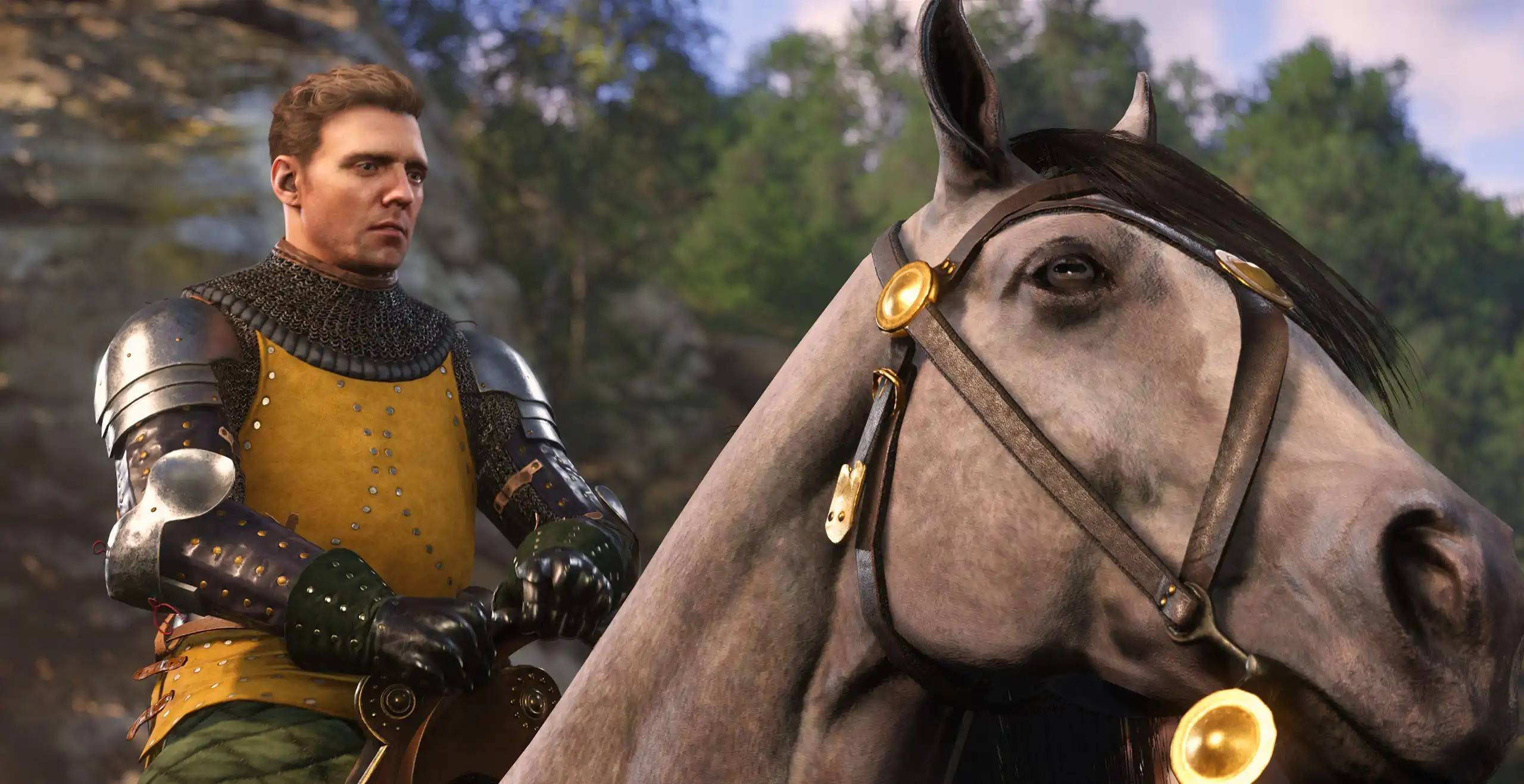
If you're among the many gamers who've been eagerly diving into *Kingdom Come: Deliverance 2* but are facing frustrating stuttering issues on PC, fear not—we've got some solutions to get your game running smoothly. Stuttering has been a significant point of contention for players, with numerous reports surfacing on platforms like Reddit. Even those who've ensured their systems meet the game's requirements are experiencing this hiccup. Let's dive into how you can address and fix the stuttering in *Kingdom Come: Deliverance 2* on PC.
How To Deal With Kingdom Come: Deliverance 2 Stuttering on PC
The first recommended fix is to install the NVIDIA GeForce Hotfix Driver Version 572.24, available for both Windows 10 and 11. This hotfix was released a week following the launch of *Kingdom Come: Deliverance 2* and has been praised by numerous players for resolving not only stuttering but also some crashing issues that were plaguing their gameplay experience.
However, if you're still experiencing stuttering after installing the hotfix, there might be another culprit: your controller. A significant number of players reported that using a Bluetooth controller was causing additional stuttering. The simple solution here is to switch to a wired connection by plugging your controller into a USB port. This change has been reported to significantly improve gameplay smoothness.
How To Alter Settings in Kingdom Come: Deliverance 2
If the above solutions don't work, it's time to tweak the game's settings. *Kingdom Come: Deliverance 2* provides an extensive range of Advanced Graphics Settings, allowing players to fine-tune their experience. Options include Lighting, Shader quality, Textures, and more. While it's understandable that nobody wants to compromise on visual quality, lowering settings from High to Medium or Medium to Low might be necessary to eliminate stuttering. Experiment with different combinations until you find the one that lets Henry's adventure flow without interruptions.
For those who manage to fix the stuttering using the earlier solutions and don't need to alter their settings, there's an opportunity to optimize your game further. To enhance your visual experience and achieve high FPS, check out The Escapist's guide to the best PC settings for *Kingdom Come: Deliverance 2*.
And that's how you can fix *Kingdom Come: Deliverance 2* stuttering on PC. If you're looking to enhance your gameplay even more, consider exploring the best mods available for Warhorse Studios' latest title.
*Kingdom Come: Deliverance 2 is available now on PlayStation, Xbox, and PC.*
Latest News
more >-

-
-

- Universal Piece Trello and Wiki Links
- Oct 22,2026
-

-




