Roblox Essential Tips for Beginners
- By Zoey
- Dec 19,2025
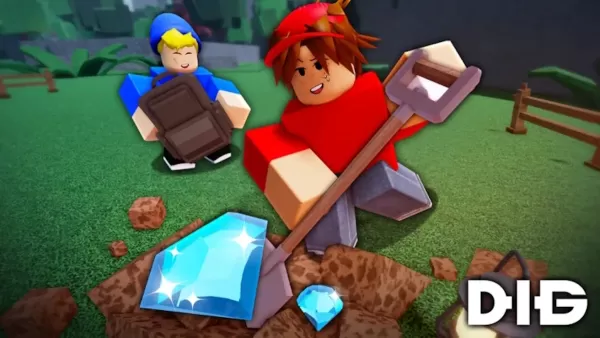
Just starting your adventure in Dig on Roblox? You've entered a thrilling mining simulator where speed, timely upgrades, and smart decisions are key to victory. Your objective is to dig through layers of earth, uncover hidden treasures, and join a massive community mining effort before the clock counts down to zero.
Dig is more than just frantic clicking – it's a game of strategy. You need to know precisely when to upgrade your gear, where to excavate for the best results, and how to sustain your momentum. This guide will cover all the core principles to set you on the path to digging deeper, moving faster, and thinking smarter.
Advanced Tips for Faster Progression
To accelerate your progress, utilize auto-click or key repeat functions if they are enabled by the game. This minimizes physical strain and dramatically increases your digging speed. Team up with friends for group digs to concentrate your efforts on specific blocks. Prioritize saving your earnings for the Drill—it's the first major upgrade that truly transforms your efficiency. Always monitor your current depth, as certain valuable rewards are exclusive to deeper layers.
As noted by the Dig Roblox Fandom, both the variety of blocks and the quality of treasures you encounter increase substantially once you pass depth 30, making this an important early-game milestone to reach.
Dig on Roblox might seem simple at first glance, but it's packed with layered progression systems. Focus your initial efforts on expanding your backpack capacity, collaborating with teams, and pinpointing treasure-rich blocks. Once you begin unlocking superior tools, you'll slice through the earth with ease and quickly rise to become one of the top-ranked miners in your server.
Dig with intelligence, dig to great depths—and remember to sell your finds regularly to keep your funds flowing. For the most seamless and responsive digging experience, we recommend playing Dig on BlueStacks.