Dominate Delta Force Mobile: Essential Strategies Unveiled
- By Nathan
- Feb 24,2025
Master Delta Force: Conquer the Battlefield with Precision and Strategy
Delta Force transcends the typical tactical shooter; it demands precision, strategic thinking, and seamless teamwork. Whether you're engaging in large-scale multiplayer battles or navigating intense extraction missions, success hinges on meticulous planning and adaptability. The game's emphasis on unique operators, customizable equipment, and challenging maps ensures every decision carries weight.
This guide provides practical advice to elevate your skills and outmaneuver opponents. From operator mastery and loadout optimization to leveraging BlueStacks for enhanced PC gameplay, these strategies will provide a significant competitive edge.
Unleash Maximum Control with BlueStacks on PC
Playing Delta Force on PC with BlueStacks offers unparalleled advantages. The fully customizable control schemes let you map actions to your keyboard and mouse, delivering precision and responsiveness unattainable on mobile screens. Unlike the Steam version's fixed controls, BlueStacks allows personalized control configurations.
Beyond superior controls, BlueStacks enhances gameplay with superior graphics and lag-free performance. The larger screen improves enemy visibility, and advanced features like macro recording simplify complex maneuvers. For serious Delta Force players, BlueStacks is the definitive way to play. Consult our PC setup guide for Delta Force to begin.
Start Simple, Master the Fundamentals
For Delta Force newcomers, it's tempting to jump into advanced operators and high-tech gear. Resist this urge; focus on mastering the basics. Begin with operators possessing straightforward abilities, such as Stinger (renowned for healing) or Luna (whose reconnaissance tools are effective for team coordination). These operators allow you to learn fundamental gameplay without feeling overwhelmed.
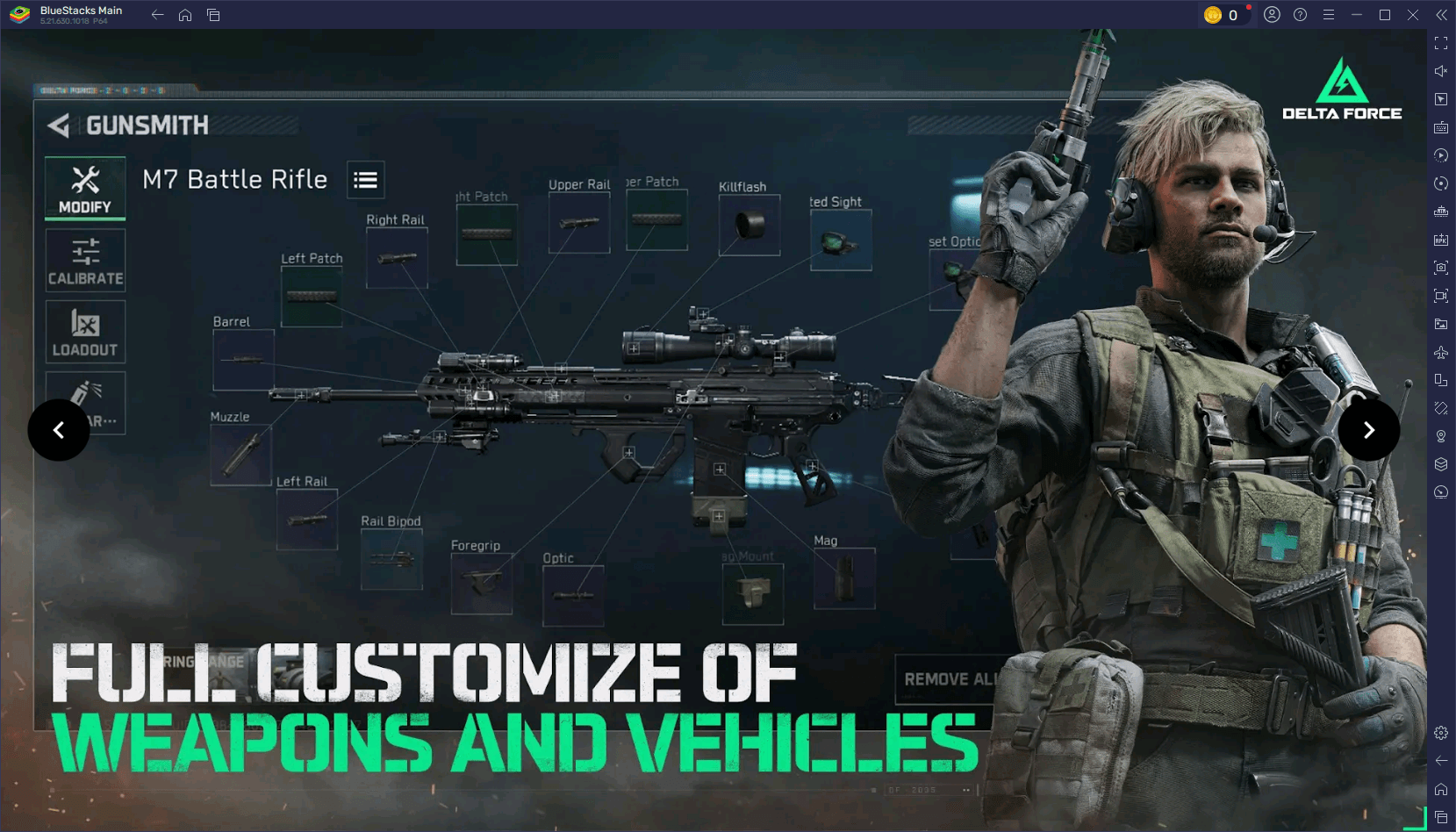
When playing with friends, establish clear roles. Designate one player for healing, another for scouting, and a third for offensive actions. This coordination boosts win rates and enhances the overall gaming experience.
Optimize Settings for Peak Performance
A smooth gaming experience directly impacts performance. On mobile, adjust graphics settings according to your device's capabilities. Lowering shadows and disabling motion blur improves FPS. On PC with BlueStacks, you can further enhance visuals by enabling high-resolution textures and fine-tuning advanced graphics settings without compromising performance.
Refine your controls for optimal responsiveness. Adjust sensitivity settings for precise aiming and test your setup in practice matches to ensure comfort and efficiency. This preparation maximizes your performance in every game.
Embrace Experimentation and Adaptability
Delta Force rewards adaptability. If a strategy fails, don't hesitate to change tactics. Experiment with different operators, loadouts, and map routes. Observing your opponents' strategies can also refine your own approach.
Experimentation keeps the game engaging and reveals new gameplay possibilities. Mastering vehicles, experimenting with sniper builds, or developing innovative team strategies all contribute to becoming a more versatile and effective player.
Delta Force challenges players with tactical depth and the need for quick adaptation, making each match a thrilling test of skill and strategy. These tips will equip you to conquer any mode, map, or opponent. For the ultimate Delta Force experience, play on PC with BlueStacks to unlock superior controls and performance. Prepare, strategize, dominate – play smarter and win bigger with BlueStacks!
Latest News
more >-
-

- Universal Piece Trello and Wiki Links
- Oct 22,2026
-

-

-




