Hyper Light Breaker: How To Lock-On Target
- By Adam
- Feb 22,2025
This guide explains the lock-on targeting system in Hyper Light Breaker, a crucial mechanic often left unexplained. While helpful in certain situations, it's not always the best approach.
How to Target Enemies:
 To lock onto an enemy, center your view on them and press the right analog stick (R3). The game will automatically select the closest target, unless it's surrounded by others. A reticle will appear, and the camera will zoom slightly. Line of sight isn't required; the enemy just needs to be visible and within range.
While locked on, your movement will tend to circle your target. Fast-moving enemies can make the camera erratic, potentially affecting your control. To switch targets, move the right analog stick left or right. Pressing R3 again cancels the lock-on, returning to the default free camera. The lock-on will also automatically disengage if you move too far from your target.
When to Lock On vs. Free Cam:
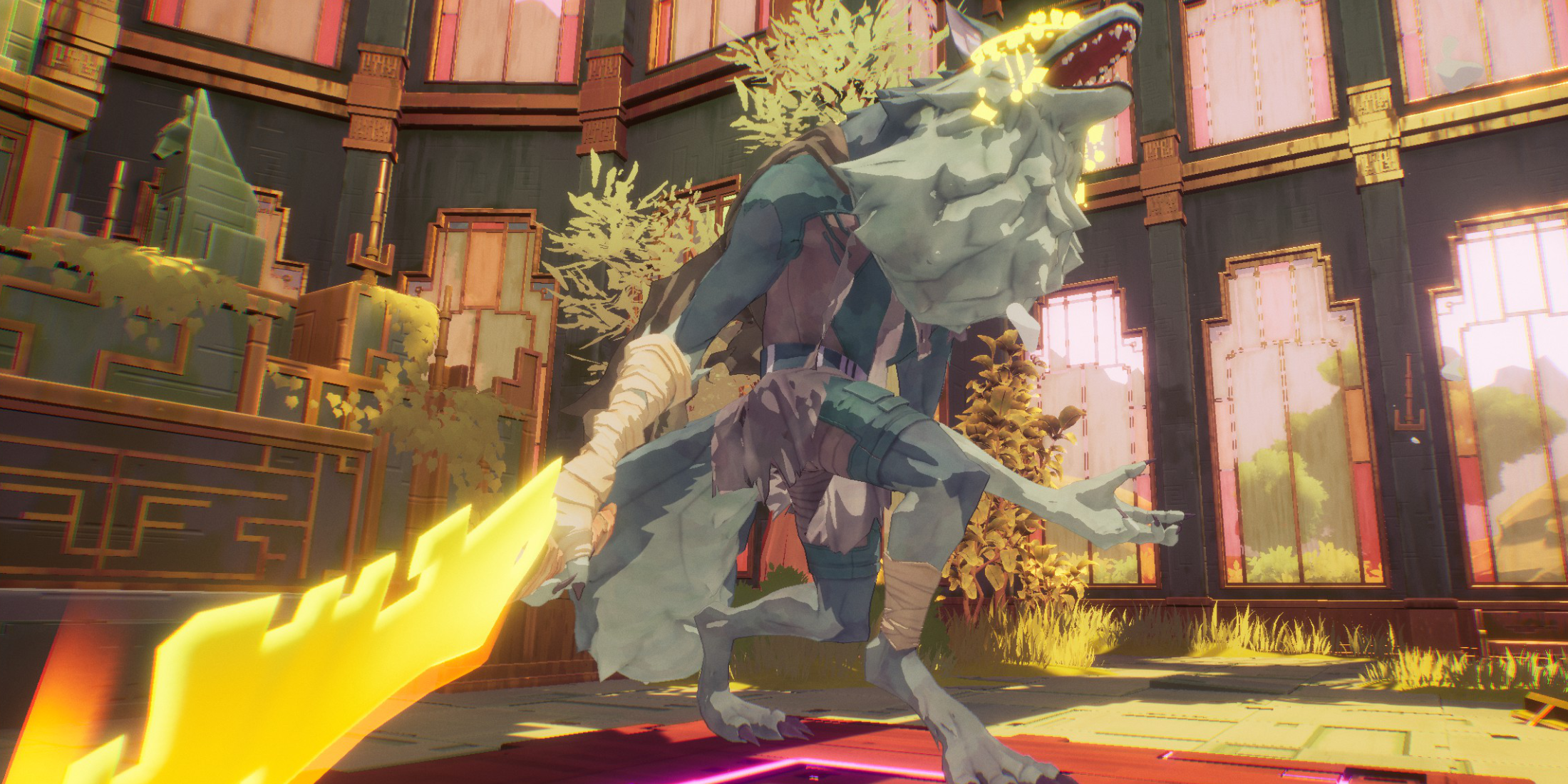 Lock-on is ideal for one-on-one encounters, such as boss fights or against strong (yellow health bar) enemies after clearing weaker enemies. The focused camera can leave you vulnerable to attacks from unseen foes.
For multiple enemies or weaker foes, free cam is generally superior. Lock-on restricts your field of vision, hindering your ability to react to surrounding threats.
A strategic approach involves using free cam to clear weaker enemies, then locking onto mini-bosses or bosses once the area is clear. During Extraction events, for instance, prioritize clearing regular enemies before locking onto the mini-boss for a focused assault.