"Mastering Photo Mode in Kingdom Come Deliverance 2"
- By Anthony
- Apr 12,2025
*Kingdom Come: Deliverance 2* is a visually stunning game, particularly when played in fidelity mode. If you're looking to take a break from the action and capture some of its breathtaking scenery, here's a comprehensive guide on how to use the photo mode in *Kingdom Come: Deliverance 2*.
How to Activate Photo Mode in Kingdom Come: Deliverance 2
Not all games come equipped with a photo mode at launch, and some, like *Elden Ring*, never get one at all. Fortunately, *Kingdom Come: Deliverance 2* includes a photo mode right from the start. Here’s how you can activate it:
- PC: Press F1 on your keyboard or press L3 and R3 together if you're using a joypad.
- Xbox Series X|S / PlayStation 5: Press L3 and R3 simultaneously on your joypad. For those unfamiliar, L3 and R3 refer to clicking in both analog sticks at the same time.
Once activated, time will pause, and you'll enter the photo mode, ready to capture the beauty of the game.
How to Use Photo Mode in Kingdom Come: Deliverance 2
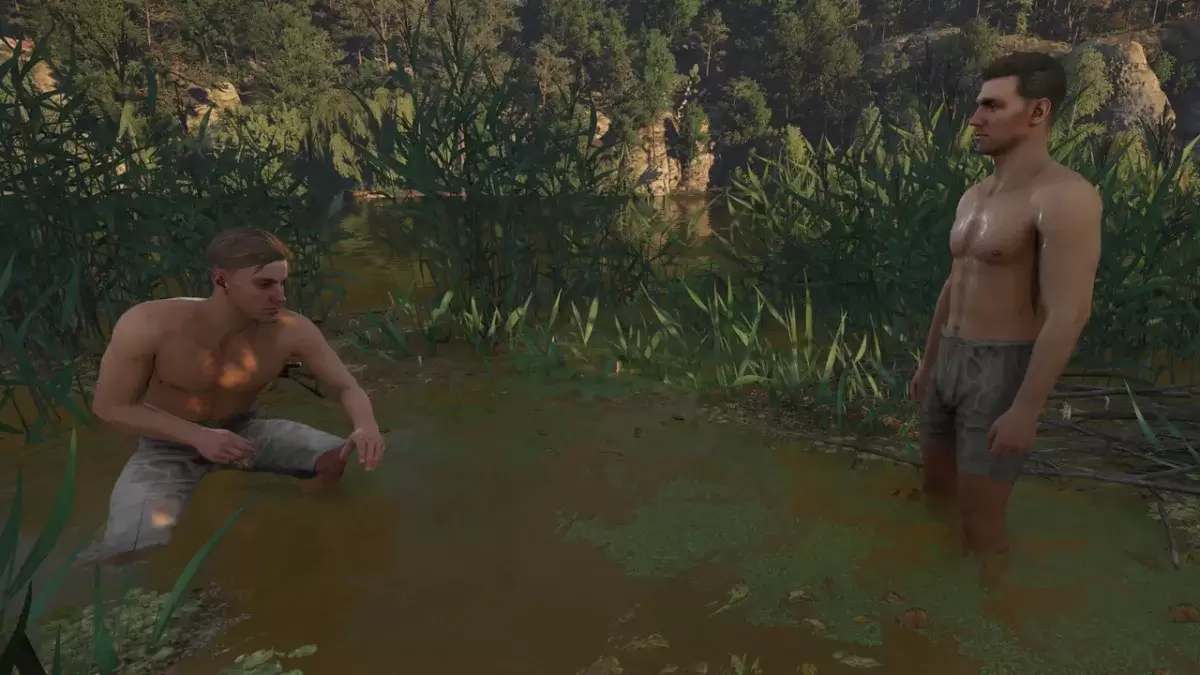
Now that you're in photo mode, you can manipulate the camera to get the perfect shot. Here are the controls for each platform:
- Xbox Series X|S:
- Rotate camera: Left Stick
- Move camera horizontally: Right Stick
- Move camera up: Left Trigger/LT
- Move camera down: Right Trigger/RT
- Hide Interface: X
- Exit photo mode: B
- Take picture: Press Xbox button then Y
- PlayStation 5:
- Rotate camera: Left Stick
- Move camera horizontally: Right Stick
- Move camera up: Left Trigger/L2
- Move camera down: Right Trigger/R2
- Hide interface: Square
- Exit photo mode: Circle
- Take picture: Hit Share button and choose Take Screenshot (or hold down Share)
- PC (keyboard and mouse):
- Move camera: Use mouse
- Slow move: Caps Lock
- Hide interface: X
- Exit photo mode: Esc
- Take picture: E
On PC, screenshots will be saved to your pictures folder, while on consoles, they will be stored in your capture gallery.
What Can You Do in Kingdom Come: Deliverance 2’s Photo Mode?
Currently, the photo mode in *Kingdom Come: Deliverance 2* is quite basic. You can adjust the camera's position and take pictures within a certain distance of Henry. However, it lacks advanced features found in other games, such as posing characters, altering color tones, or changing the time of day.
While it's great that the game includes a photo mode, it's on the simpler side compared to other titles. Fans are hoping that Warhorse Studios will add more features in future updates to enhance the photo mode experience.
And that's how you can use the photo mode in *Kingdom Come: Deliverance 2* to capture the game's stunning visuals.
Latest News
more >-
-

- Universal Piece Trello and Wiki Links
- Oct 22,2026
-

-

-




