How To Fix R.E.P.O. Stuck on Loading Screen Bug
- By Emma
- Apr 01,2025
The gaming world is filled with chilling experiences, from *Resident Evil* to *Silent Hill*. Yet, *R.E.P.O.* stands out with its unique co-op horror gameplay. However, some players are encountering a frustrating issue where the game gets stuck on the loading screen. Here's how to tackle the *R.E.P.O.* stuck on loading screen bug and get back to the scares.
How to Fix R.E.P.O. Being Stuck on the Loading Screen
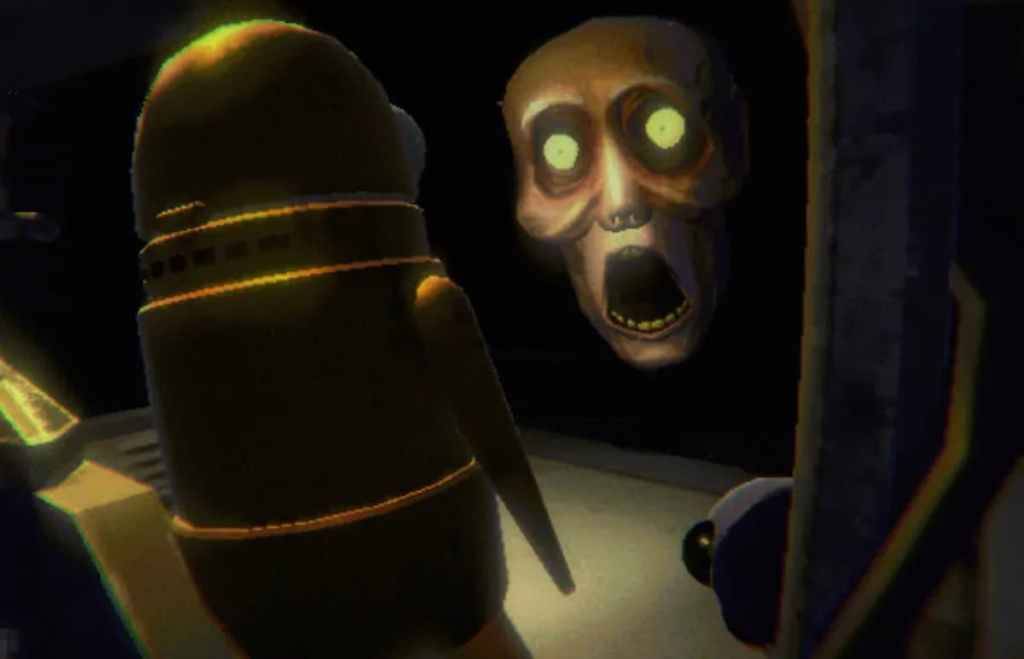
Players launching *R.E.P.O.* on PC are facing a common issue where the game remains stuck on the loading screen, preventing them from diving into the horror. While the developer, semiwork, has yet to address this problem directly, there are several effective methods players can try to resolve the issue.
Close and Reopen the Game
The simplest and often most effective solution is to close and reopen *R.E.P.O.*. This action allows the game to reset and potentially resolve any temporary glitches. It's a quick fix that works more often than you might think, so it should be your first step.
Reboot the PC
If restarting the game doesn't work, consider rebooting your PC. A fresh start can help clear out any underlying issues that might be causing the loading screen problem. Plus, it gives you a brief moment to regroup before jumping back into the eerie world of *R.E.P.O.*.
Related: What Energy Crystals Do in R.E.P.O. and How to Get More
Run R.E.P.O. as Administrator
Running *R.E.P.O.* with administrator privileges can enhance its performance by granting full system access. While it's not guaranteed to fix the loading screen issue, it's worth a try. Here's how to do it:
- Right-click on the *R.E.P.O.* shortcut.
- Select Properties and go to the Compatibility tab.
- Check the box for "Run this program as an administrator."
Verify Game Files
Another solution is to verify the integrity of the game files through Steam. This process ensures that all necessary files are present and correctly installed. Here's how to verify game files on Steam:
- Restart your PC and open Steam.
- Right-click on *R.E.P.O.* in your Steam Library or click the gear icon on its Library page.
- Select Properties from the drop-down menu.
- Go to the Installed Files tab and click "Verify integrity of game files."
It's worth noting that not all files may verify successfully, but Steam indicates this is normal. You can safely ignore any messages about files not verifying as you focus on resolving the loading screen issue.
By following these steps, you should be able to fix the *R.E.P.O.* stuck on loading screen bug and return to the thrilling co-op horror experience. For more on *R.E.P.O.*, check out guides on all the monsters in the game and strategies to escape them.
*R.E.P.O. is available now on PC.*
Latest News
more >-
-

- Universal Piece Trello and Wiki Links
- Oct 22,2026
-

-

-




