Getting Started to Play Azur Lane on Mac Devices with BlueStacks Air
- By Sadie
- Feb 19,2025
Azur Lane: Conquer the Seas on Your Mac with BlueStacks Air
Azur Lane, a captivating blend of naval warfare, RPG elements, and anime aesthetics, has garnered a global following. Its vibrant visuals, real-time battles, and extensive customization options make it a compelling choice for strategy and anime fans. For Mac users, BlueStacks Air unlocks a superior Azur Lane experience, offering enhanced performance and controls on a larger screen. This guide explains how to play Azur Lane on your Mac using BlueStacks Air.
Understanding BlueStacks Air
BlueStacks Air is a revolutionary gaming platform that seamlessly integrates Android games and apps onto Mac computers. Unlike traditional emulators that heavily rely on local processing, BlueStacks Air is macOS-optimized, resulting in a streamlined installation and fluid gameplay. It leverages your Mac's hardware for optimal performance without compromising system resources.
BlueStacks Air enhances your Azur Lane experience with a larger display, customizable controls, and multitasking capabilities. Whether you're commanding your shipgirls or refining your strategy, the experience is smooth and immersive.
The Advantages of Mac Gameplay
Azur Lane uniquely combines side-scrolling shooter mechanics, naval combat, and anime-style character design. The game features personified battleships known as "shipgirls," offering a blend of strategy, action, and role-playing. Playing Azur Lane on a Mac using BlueStacks Air provides several key benefits:
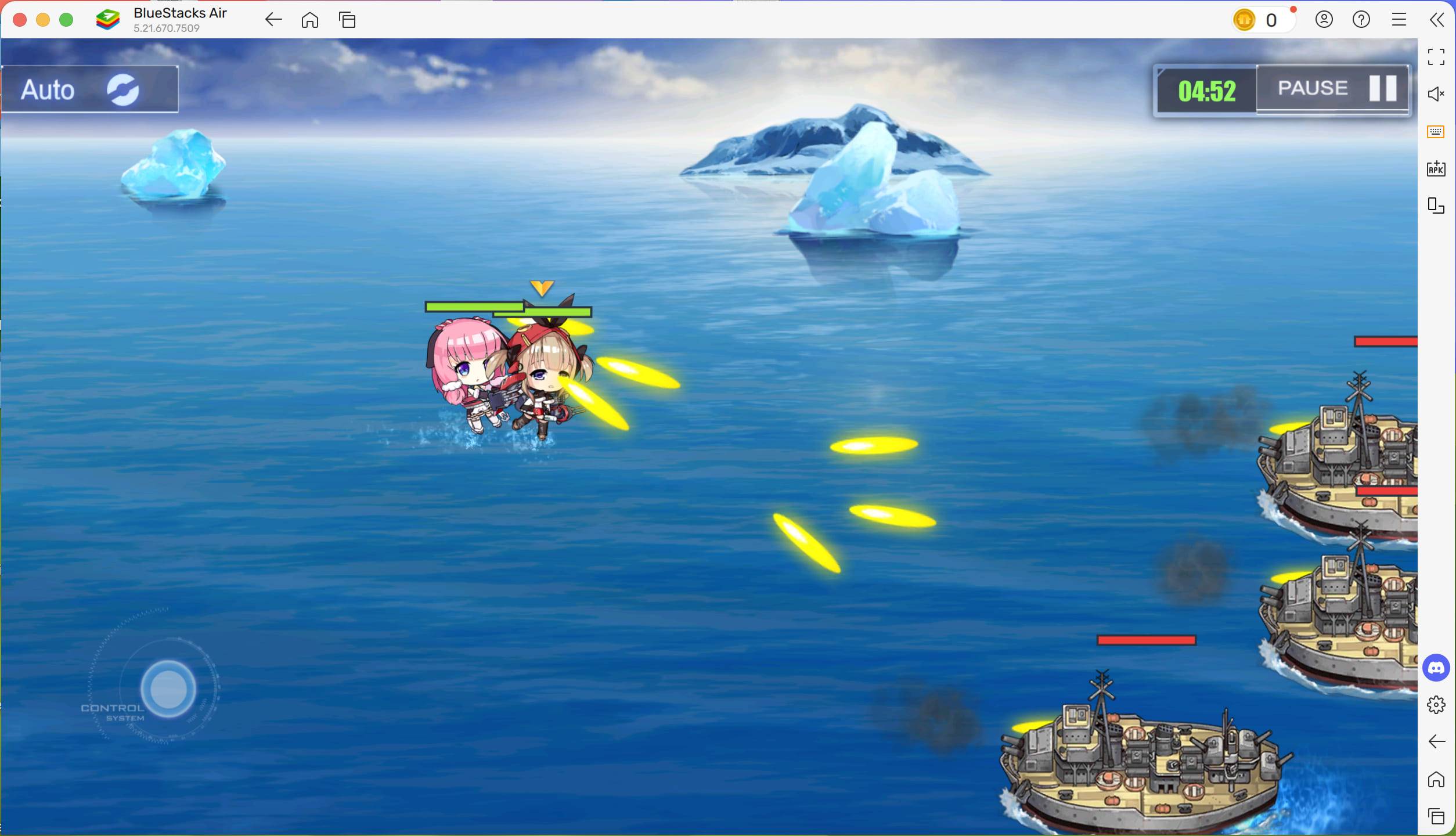
Azur Lane's compelling mix of naval strategy and RPG elements continues to enthrall players worldwide. BlueStacks Air on your Mac allows for complete immersion, delivering enhanced visuals, precise controls, and seamless performance. Regardless of your experience level, BlueStacks Air optimizes your Azur Lane gameplay. Download BlueStacks Air today and begin your naval adventure!
Latest News
more >-
-

- Universal Piece Trello and Wiki Links
- Oct 22,2026
-

-

-




