Steam Deck Docks: Enhance Your Gaming Experience
- By Matthew
- Feb 21,2025
Enhance your Steam Deck experience with a docking station! Playing on a larger screen dramatically improves immersion. This guide reviews the best Steam Deck docks in 2025, offering options for every budget and need.
TL;DR - Best Steam Deck Docks:
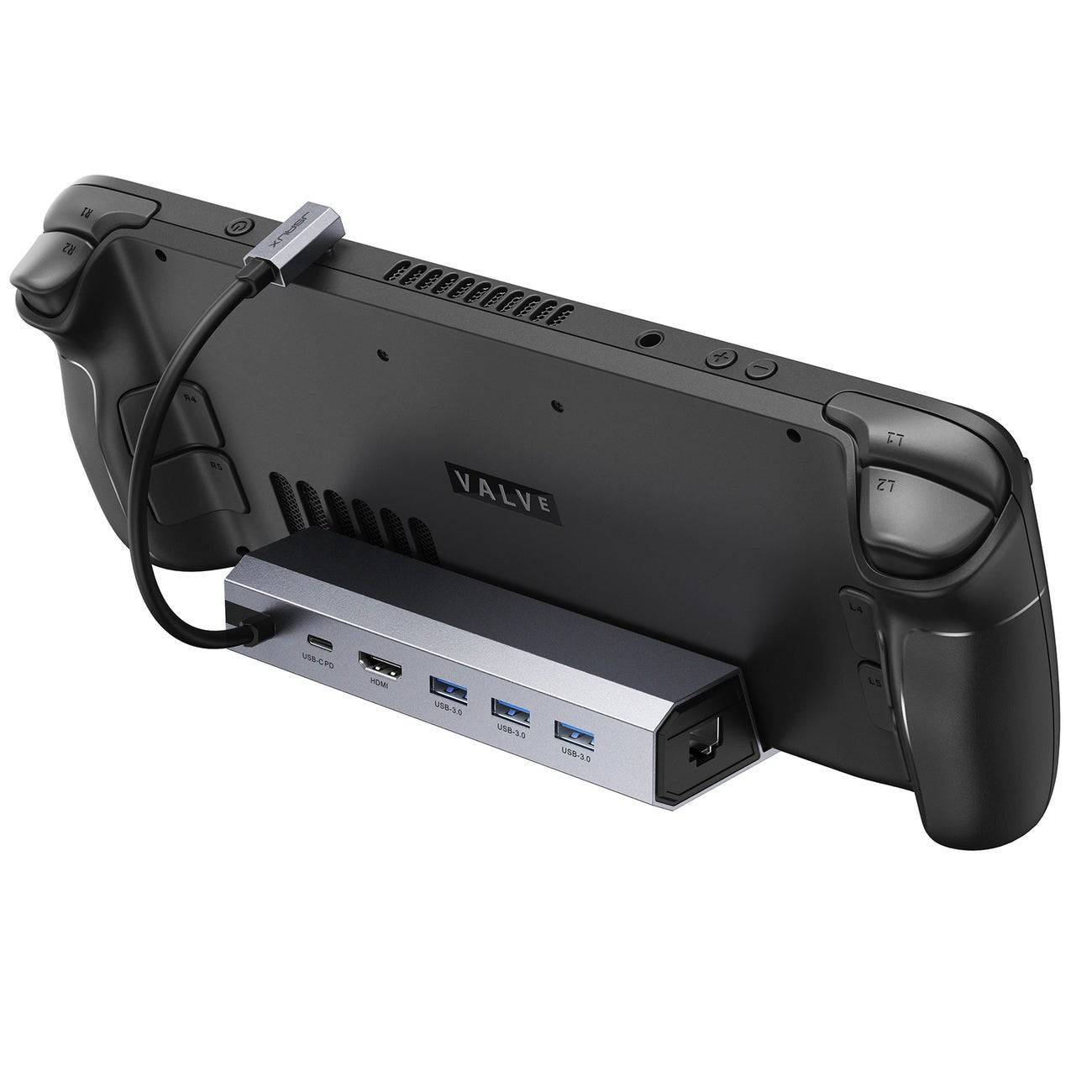 Our Top Pick: ### JSAUX Docking Station HB0603
-
See it at Amazon
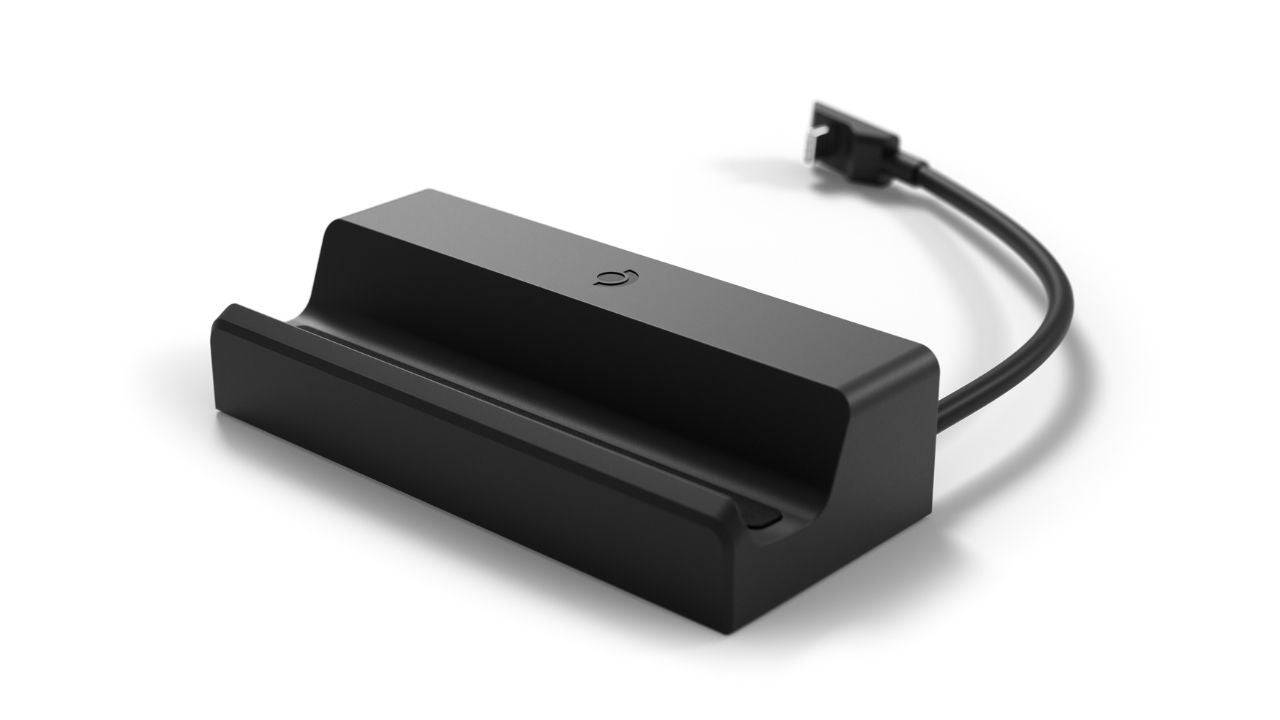 ### Steam Deck Docking Station
 -
See it at Steam
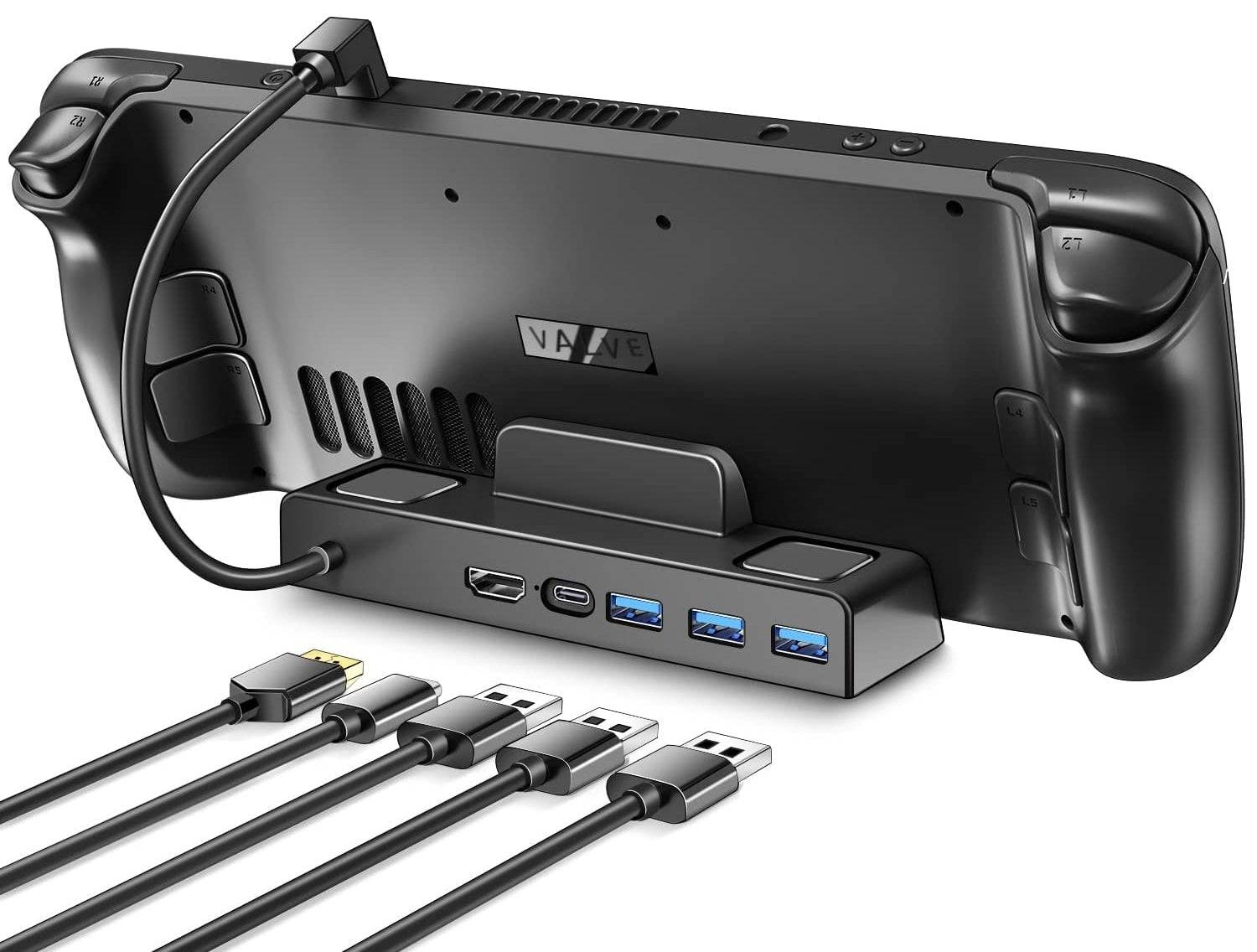 ### iVoler Docking Station
 -
See it at Amazon
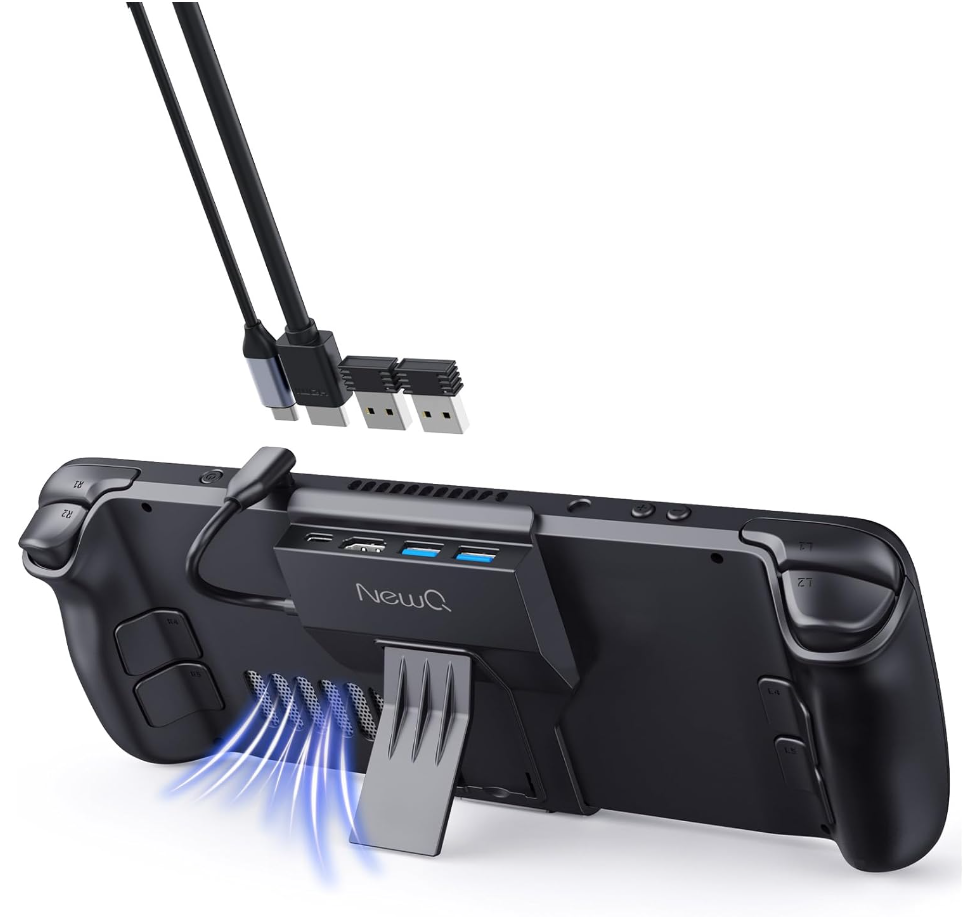 ### NewQ Steam Deck Dock
 -
See it at Amazon
 ### MOKiN Dual Monitor Docking Station
 -
See it at MOKiN
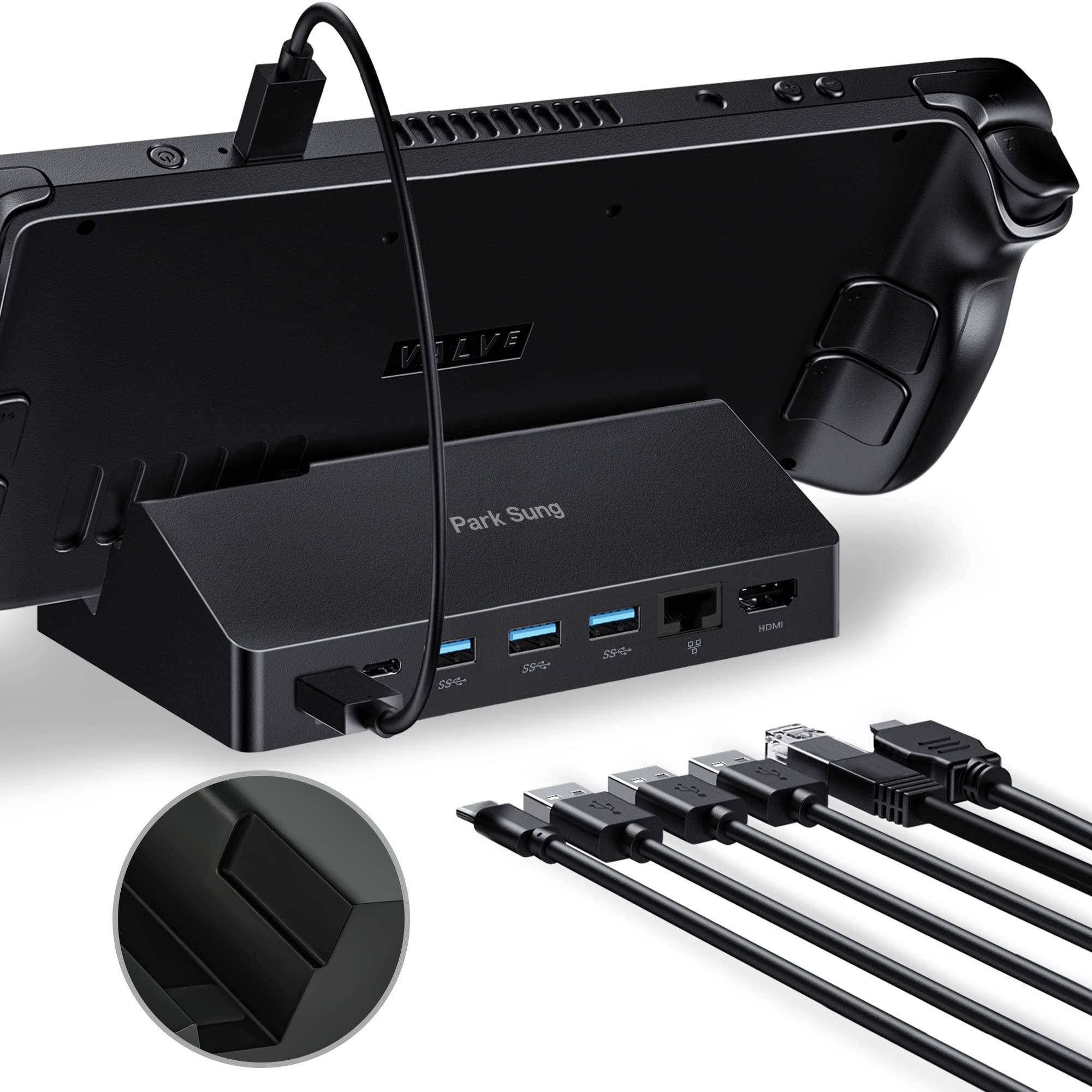 ### Park Sung Docking Station
 -
See it at Amazon
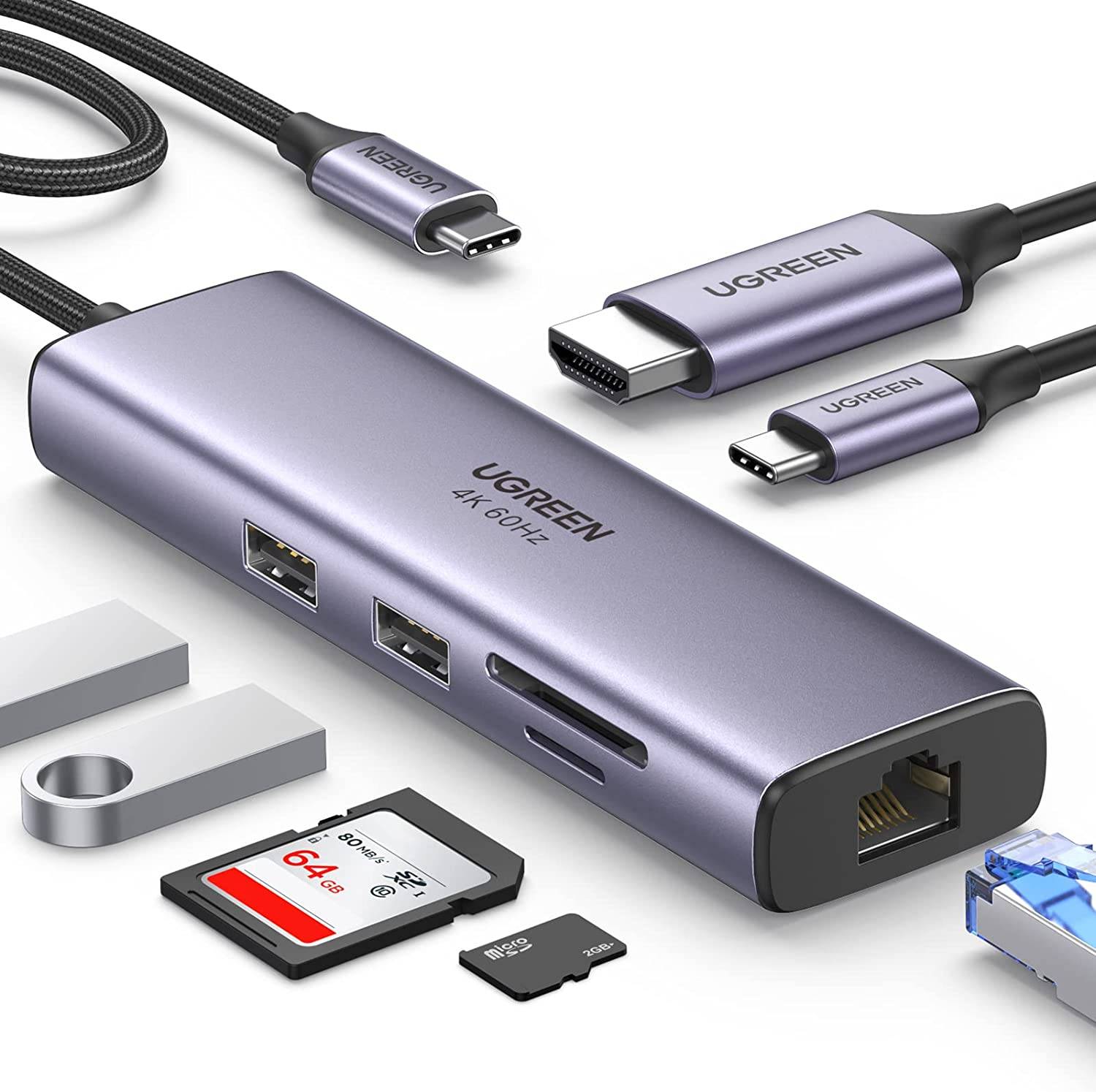 ### UGREEN USB-C Hub with Ethernet Port
 -
See it at Amazon
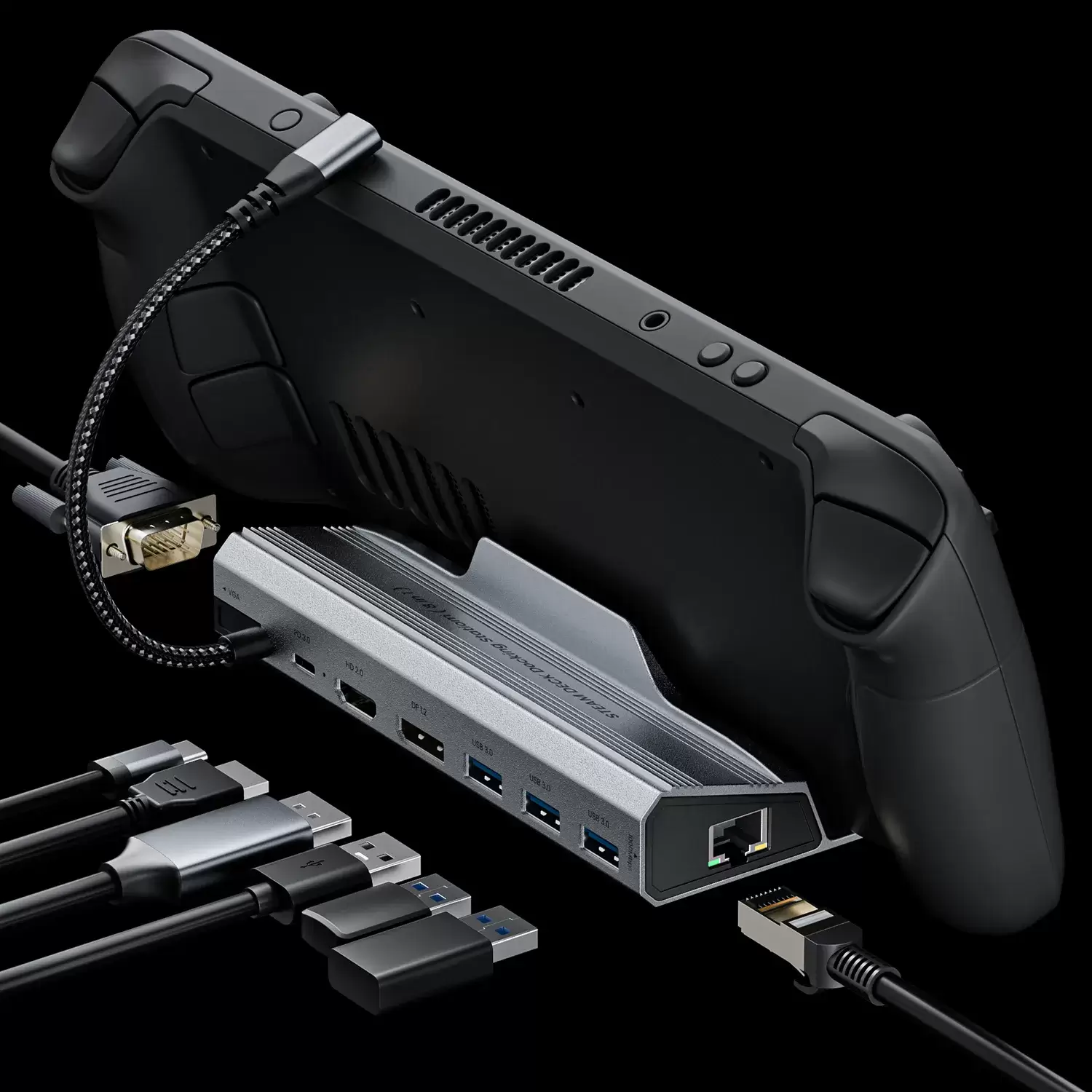 ### NYXI 8 in 1 Docking Station
 -
See it at NYXI
These docks simplify connecting your Steam Deck (or Steam Deck OLED) to gaming TVs or monitors for enhanced gameplay. They provide extra ports for peripherals and power delivery, addressing the Steam Deck's battery limitations. Some even include Ethernet for improved connectivity and DisplayPort for multi-monitor setups.
Here's a closer look at our top picks:
1. JSAUX Docking Station HB0603 - Best Overall Steam Deck Dock
- Specs: 4K@60Hz video output, 100W power delivery, 3x USB 3.0, USB-C, HDMI 2.0, RJ45 Ethernet.
- Pros: Numerous ports, fast charging (though Steam Deck maxes at 45W), affordable.
- Cons: Lacks DisplayPort.
This budget-friendly option offers excellent value, providing all the essential features and more. Its compact design and built-in stand add to its appeal.
2. Steam Deck Docking Station - Best Official Steam Deck Dock
- Specs: 4K@60Hz video output, 65W power delivery, 3x USB 3.0, USB-C, HDMI 2.0, RJ45 Ethernet, DisplayPort 1.4.
- Pros: Official Valve product, wide port selection, DisplayPort support.
- Cons: Expensive.
Guaranteed compatibility, but comes at a premium price.
3. iVoler Docking Station - Best Budget Option
- Specs: 4K@60Hz video output, 65W power delivery, 3x USB 3.0, USB-C, HDMI 2.0.
- Pros: Affordable, USB-C fast charging.
- Cons: No Ethernet port.
A cost-effective choice that doesn't compromise on essential features. HDMI cable sold separately.
4. NewQ Steam Deck Dock - Best Portable Dock
- Specs: 4K@60Hz video output, 100W power delivery, 3x USB-A 3.0, USB-C, HDMI 2.0.
- Pros: Extremely portable, lightweight, built-in kickstand.
- Cons: No DisplayPort or Ethernet.
Ideal for users prioritizing portability without sacrificing performance.
5. MOKiN Dual Monitor Docking Station - Best for Dual Monitors
- Specs: 4K@60Hz video output (dual monitor support), 100W power delivery, 3x USB 3.0, USB-C, HDMI 2.0, DisplayPort 1.4, RJ45 Ethernet.
- Pros: Supports dual 4K monitors, fast charging.
- Cons: Cable length could be improved.
Perfect for gamers wanting a multi-monitor setup.
6. Park Sung Docking Station - Best for Multiple Ports
- Specs: 4K@60Hz video output, 100W power delivery, 3x USB 3.0, 2x USB-C, HDMI 2.0, RJ45 Ethernet.
- Pros: Seven ports total, compatible with other devices.
- Cons: A second dedicated charging USB-C would be beneficial.
Offers a comprehensive port selection for extensive peripheral connectivity.
7. UGREEN USB-C Hub with Ethernet Port - Best USB-C Hub
- Specs: 4K@60Hz video output, 100W power delivery, 2x USB 3.0, USB-C, microSD & SD card readers, HDMI 2.0, RJ45 Ethernet.
- Pros: Versatile, includes memory card readers.
- Cons: No dedicated Steam Deck docking mechanism.
A versatile hub suitable for various devices, including the Steam Deck.
8. NYXI 8 in 1 Docking Station - Most Durable
- Specs: 4K@60Hz video output, 100W power delivery, 3x USB 3.1, PD 3.0, HDMI 2.0, DP 1.2, VGA, RJ45 Ethernet.
- Pros: Robust build, anti-slip base, angled USB-C cable.
- Cons: More expensive than most.
A durable and feature-rich option, though at a higher price point.
What to Look For in a Steam Deck Dock:
Consider the number of USB ports (at least 3 USB 2.0 recommended), HDMI 2.0 (or DisplayPort 1.4 for higher bandwidth), power delivery (at least 45W), and Ethernet connectivity (optional but beneficial).
Steam Deck Dock FAQ:
- Charging: Most docks charge the Steam Deck while docked. Ensure sufficient power delivery (45W minimum).
- Included Dock: No, docks are sold separately.
- TV Connection: While a dock is ideal, a USB-C to HDMI adapter is an alternative.
Choose the dock that best suits your needs and budget to maximize your Steam Deck gaming experience!