Top 5 1080p Gaming Monitors for 2025
- By Bella
- May 19,2025
Within the vibrant world of PC gaming, conversations often revolve around the merits of 1440p and 4K monitors. However, according to Steam's Hardware Survey, the majority of gamers still prefer 1080p. This preference is largely driven by cost and performance considerations, making 1080p an attractive choice for many. Navigating the crowded market for new monitors can be overwhelming, but don't worry—I'm here to help. With years of experience covering gaming monitors, I've identified what makes a monitor not just acceptable, but legendary, like our top pick, the Asus TUF Gaming VG279QM. If you're eager to skip the shopping hassle and dive straight into an enhanced gaming experience, look no further. Here are the best 1080p gaming monitors of 2025.
TL;DR – These Are the Best 1080p Gaming Monitors:
Our Top Pick: Asus TUF Gaming VG279QM
2See it at Amazon!
Samsung Odyssey G30D
1See it at Amazon! See it at Best Buy!
AOC Gaming C27F2Z
2See it at Amazon!
Acer Nitro ED6 (ED306C Xbmiippx)
2See it at Amazon!
BenQ Zowie XL2586X+
0See it at Amazon!
Opting for a 1080p gaming monitor brings several advantages. They are significantly more affordable than 1440p and 4K alternatives, often offering high refresh rates up to 500Hz, and they support technologies like AMD FreeSync and Nvidia G-Sync. One of their greatest strengths is their ease of use; they require less powerful graphics cards to achieve peak performance due to their lower pixel count. This means you can enjoy a fantastic gaming experience even with an entry-level GPU. However, they may not appear as sharp beyond 27 inches. If you're seeking higher resolutions, check out our list of the best gaming monitors of 2025.
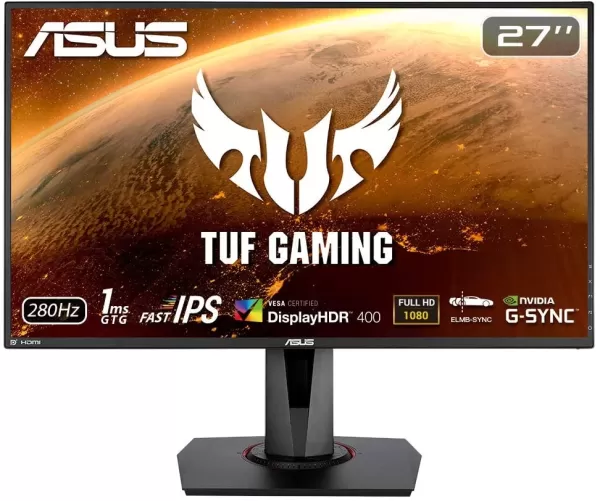
1. Asus TUF Gaming VG279QM
Best 1080p Gaming Monitor
Our Top Pick: Asus TUF Gaming VG279QM
2
A 27-inch Full HD display with an overclockable 240Hz refresh rate, low input lag, and adaptive sync for smooth action. See it at Amazon!
Product Specifications:
Screen size: 27"
Aspect ratio: 16:9
Resolution: 1,920 x 1,080
Panel type: IPS, FreeSync, G-Sync compatible
Brightness: 400cd/m²
Refresh rate: 240Hz, 280Hz (OC)
Response time: 1 ms (GTG)
Inputs: 2 x HDMI 2.0, 1 x DisplayPort 1.2
PROS:
- Great value for money
- FreeSync support and G-Sync compatibility
CONS:
- No local dimming
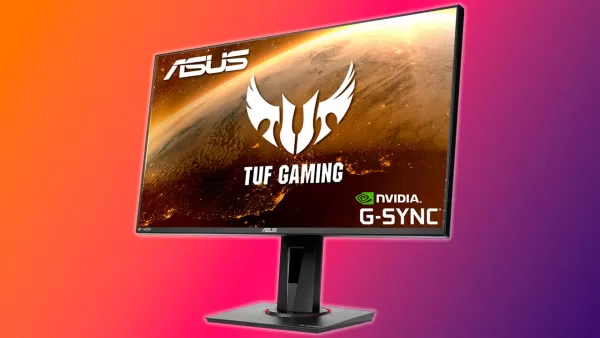
The Asus TUF Gaming VG279QM stands out as the best 1080p gaming monitor for most people, offering a fast, vibrant screen for under $300. With a rapid 280Hz refresh rate, low input lag, and variable refresh rate support, this monitor ensures your games look their best with crisp motion clarity. Our reviewer praised its balanced features, noting its compatibility with both AMD and Nvidia GPUs through FreeSync and G-Sync. Its 27-inch size is ideal for 1080p, providing a spacious yet clear view, while its 400 nits brightness suits various lighting conditions. Although it's DisplayHDR 400 certified, don't expect the dynamic range of true HDR, which typically requires 1,000 nits. Overall, the VG279QM excels in price, features, and performance, making it a top choice for 2025.
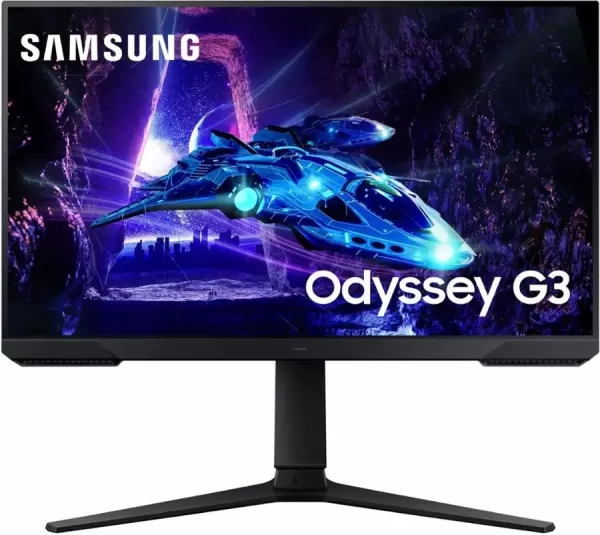
2. Samsung Odyssey G30D
Best Budget 1080p Monitor
Samsung Odyssey G30D
1
This gaming monitor is small but mighty, offering a solid picture and great gaming performance at a low price. See it at Amazon! See it at Best Buy!
Product Specifications:
Screen size: 24"
Aspect ratio: 16:9
Resolution: 1,920 x 1,080
Panel type: IPS, FreeSync, G-Sync Compatible
Brightness: 250cd/m²
Refresh rate: 180Hz
Response time: 1ms
Inputs: 1x HDMI, 1x DisplayPort
PROS:
- Color-rich screen
- 1ms response time
- High refresh rate
CONS:
- Middling peak brightness
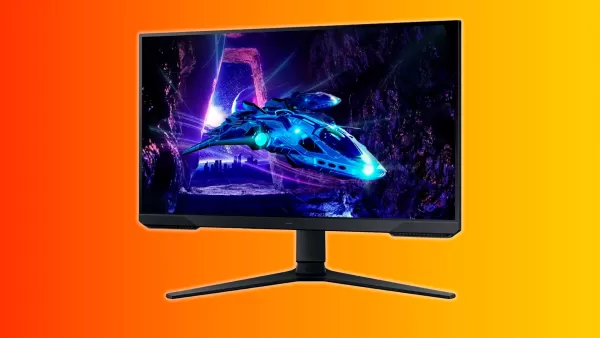
Shopping for a budget-friendly gaming monitor can be daunting, but the Samsung Odyssey G30D offers a compelling solution. Priced at around $120, this 24-inch monitor from a reputable brand delivers vibrant colors and a 1ms response time. It boasts a high 180Hz refresh rate for smooth gameplay and supports variable refresh rates with AMD FreeSync and Nvidia G-Sync, ensuring tear-free gaming even at lower frame rates. While it comes with limited ports and a lower peak brightness of 250 nits, these are minor trade-offs for its price. The assurance of buying from a well-known brand, coupled with a one-year warranty, adds significant value. Overall, the Odyssey G30D provides excellent performance for budget-conscious gamers.
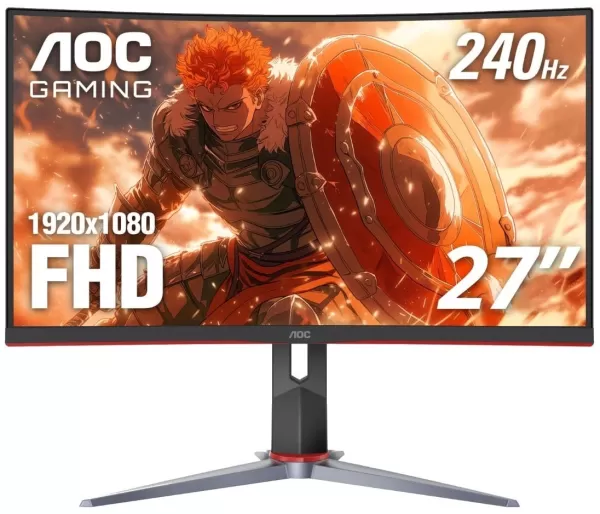
3. AOC Gaming C27G2Z
Best Curved 1080p Monitor
AOC Gaming C27F2Z
2
1080p gamers will love this monitor's balance of an immersive curve, spacious screen, and fast refresh rate. See it at Amazon!
Product Specifications:
Screen size: 27" 1500R
Aspect ratio: 16:9
Resolution: 1,920 x 1,080
Panel type: VA, FreeSync
Brightness: 300cd/m²
Refresh rate: 240Hz
Response time: 0.5ms
Inputs: 2 x HDMI 2.0, 1 x DisplayPort
PROS:
- Low input latency
- Rapid response time
- Vibrant colors and good contrast
CONS:
- May require calibration and OSD adjustments to bring it to taste
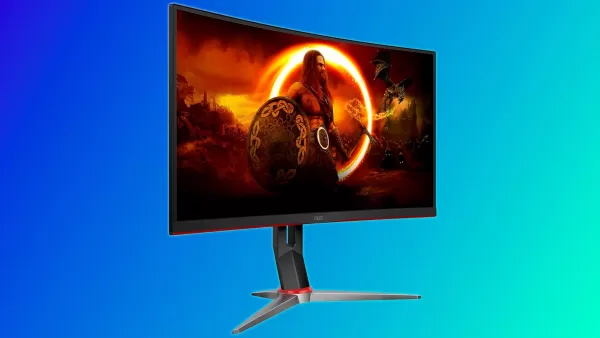
Priced at around $150, the AOC Gaming C27G2Z offers exceptional value with its 1500R curve, 300cd/m² brightness, 240Hz refresh rate, and 0.5ms response time. Its curve is perfect for an immersive gaming experience without distorting text, and the VA panel provides rich colors and a 3000:1 contrast ratio for enhanced blacks and shadows. While its out-of-the-box settings might need some tweaking, the C27G2Z delivers competitive performance at a budget-friendly price, making it a great choice for 1080p gamers.
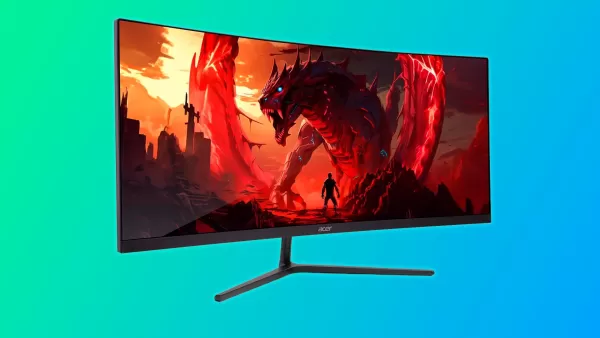
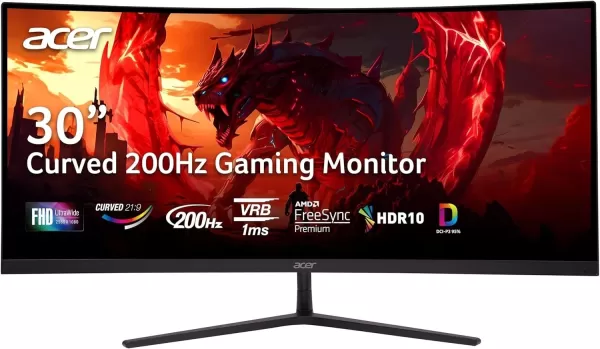
4. Acer Nitro ED6 (ED306C Xbmiippx)
Best Ultrawide 1080p Monitor
Acer Nitro ED6 (ED306C Xbmiippx)
2
At less than $200, this curved gaming monitor offers a great picture, fast refresh rate, solid color coverage, and an immersive curve. See it at Amazon!
Product Specifications:
Screen size: 29.5"
Aspect ratio: 21:9
Resolution: 2,560x1,080
Panel type: VA, AMD FreeSync Premium, Nvidia G-Sync compatible
Brightness: 350cd/m²
Refresh rate: 200Hz
Response time: 1ms
Inputs: 2 x HDMI 2.0, 2 x DisplayPort 1.2
PROS:
- Good color coverage and deep contrast
- Immersive 1500R curve
- 2x HDMI and DisplayPort jacks
CONS:
- Out of the box color accuracy
The Acer Nitro ED6 stands out with its 30-inch ultrawide screen and 21:9 aspect ratio. Its VA panel ensures vibrant colors and deep contrast, while the 200Hz refresh rate delivers smooth gameplay. The 1500R curve adds to the immersive experience, making it ideal for both single-player and competitive gaming. Though its color accuracy may need some fine-tuning out of the box, the ED6 offers a fantastic blend of design, performance, and price, making it a top pick for ultrawide 1080p enthusiasts.

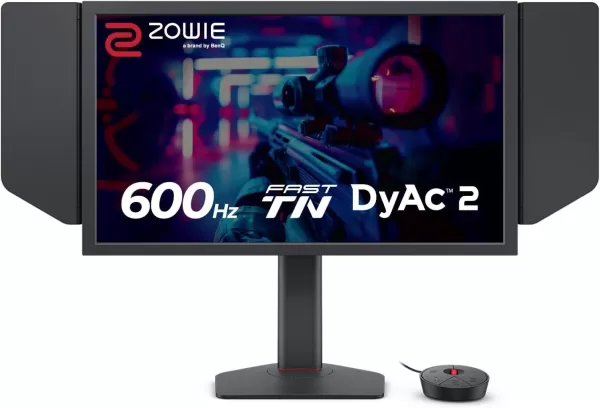
5. BenQ Zowie XL2586X+
Best 1080p Monitor for Esports
BenQ Zowie XL2586X+
0
This monitor is as fast as they come with its 600Hz refresh rate but also includes additional features to offer an engaging picture and a competitive edge. See it at Amazon!
Product Specifications:
Screen size: 24.1"
Aspect ratio: 16:9
Resolution: 1,920 x 1,080
Panel type: TN
Brightness: 320cd/m²
Refresh rate: 600Hz
Inputs: 3 x HDMI 2.1, 1 x DisplayPort 1.4, 1 x 3.5mm audio jack
PROS:
- Insanely fast
- DyAc 2 for improved motion clarity
- Color enhancing film
- Trusted esports brand commonly found in professional tournaments
CONS:
- Very expensive
- TN colors and viewing angles aren't great
For competitive gamers, the BenQ Zowie XL2586X+ is unparalleled, boasting a 600Hz refresh rate that minimizes motion blur and offers class-leading input latency. While TN panels typically have limitations in color and viewing angles, Zowie enhances color reproduction with a special VividFilm layer and implements DyAc2 technology for better motion clarity. At $999, it's a premium choice not suited for everyone, but it's the go-to for those seeking the ultimate competitive edge in esports.
How to Choose a 1080p Monitor
When shopping for a 1080p monitor, consider these key factors:
Size: Choose a monitor that fits your space. For 1080p, I recommend no more than 27 inches to avoid visible pixels.
Panel Type: The main types are in-plane switching (IPS) and vertical alignment (VA). IPS offers the best colors and viewing angles but lower contrast, while VA panels provide good colors and better contrast but narrower viewing angles. TN panels are less common and best for esports due to their fast response times, though they compromise on color and viewing angles.
Refresh Rate: Measured in hertz, a higher refresh rate means smoother gameplay. Most 1080p gaming monitors offer 120Hz or higher, with 144Hz being a sweet spot for many gamers.
Brightness: Measured in nits, a higher brightness level allows for a vivid picture. Aim for at least 300 nits, with 400 nits or higher being ideal for bright environments.
Additional Features: Look for variable refresh rate support like FreeSync or G-Sync to eliminate screen tearing. Other features like on-screen reticles, timers, and software support can enhance your gaming experience.
1080p Gaming Monitor FAQ
Is a 1080p monitor worse than 1440p?
A 1080p monitor has a resolution of 1920x1080 pixels, while a 1440p monitor has a resolution of 2560x1440 pixels, offering a crisper image. However, the difference in clarity may not be significant on smaller screens. 1080p monitors are easier to run and more cost-effective, making them a popular choice for gamers looking for high frame rates without needing a high-end GPU.
What is the best size for a 1080p monitor?
I recommend sticking to 27 inches or below for optimal clarity and space. Larger monitors can make individual pixels visible, leading to a softer image.
How much should I pay for a 1080p monitor?
Prices vary based on size, capabilities, and features, but you can find excellent 1080p gaming monitors for under $200. This price point is ideal for new PC gamers looking to balance cost and performance.
Latest News
more >-
-

- Universal Piece Trello and Wiki Links
- Oct 22,2026
-

-

-




