Best NAS Drives for 2025: Safeguard Your Media and Data
- By Aria
- Oct 16,2025
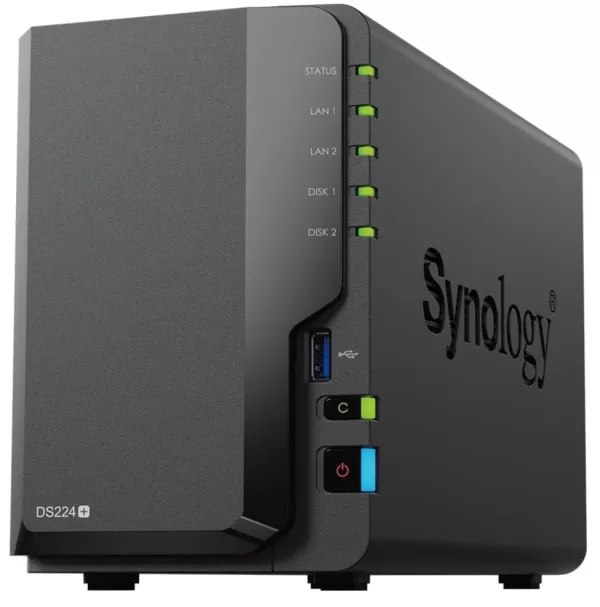
Whether you own a top-tier gaming PC or laptop and need a reliable way to back up or transfer critical data, a high-quality NAS (network-attached storage) drive, like our top choice, the Synology DiskStation DS224+, outperforms standard SSDs or external hard drives for storing files, photos, and more.
Quick List: Top NAS Devices for 2025
 Our Top Pick
Synology DiskStation DS224+
0See it at Amazon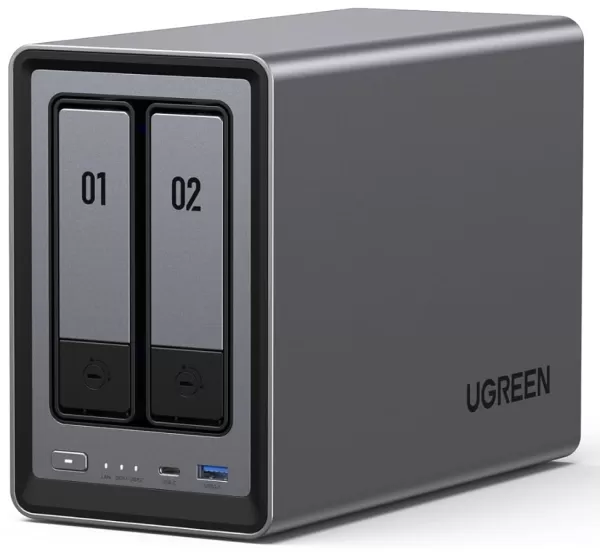
UGREEN NASync DXP2800
0See it at Amazon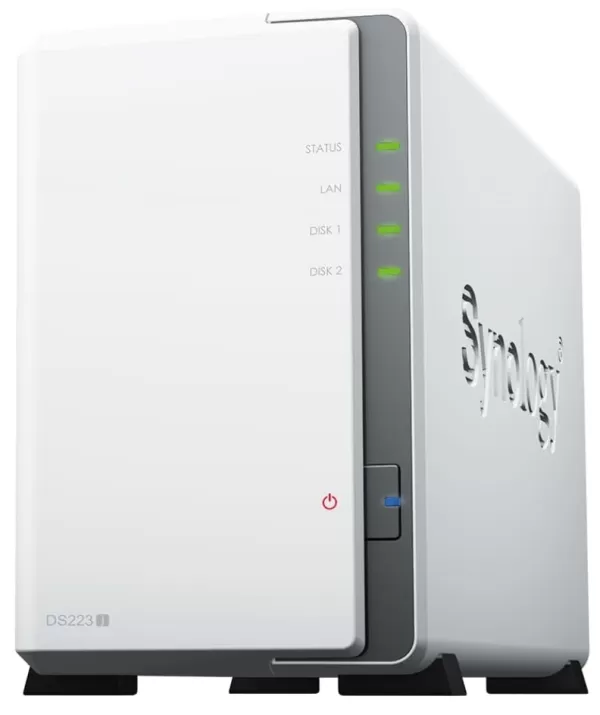
Synology DiskStation DS223j
0See it at Amazon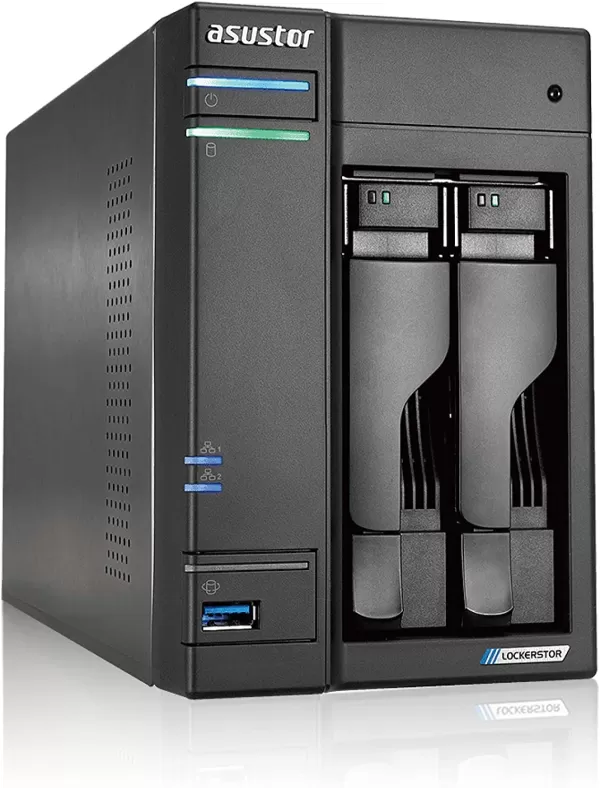
Asustor Lockerstor 2 AS6602T
0See it at Amazon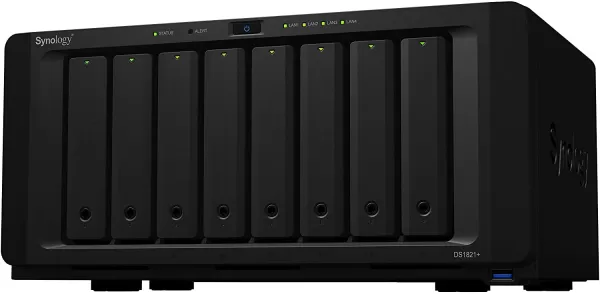
Synology DiskStation DS1821+
0See it at Amazon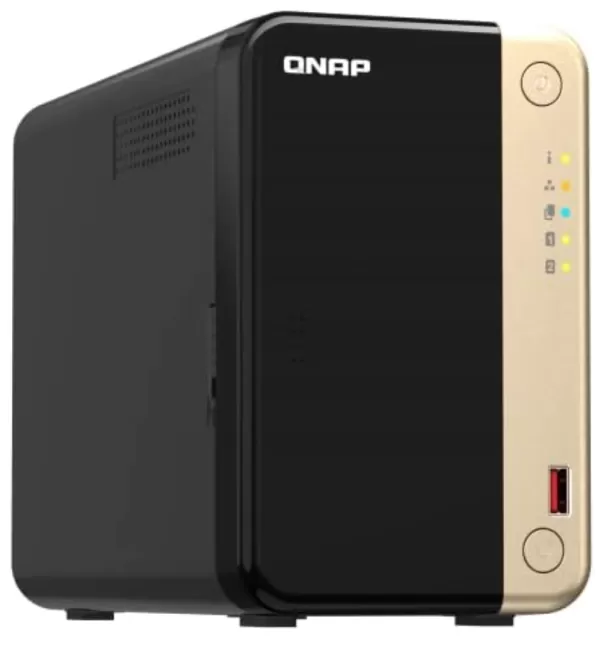
QNAP TS-264-8G
0See it at Amazon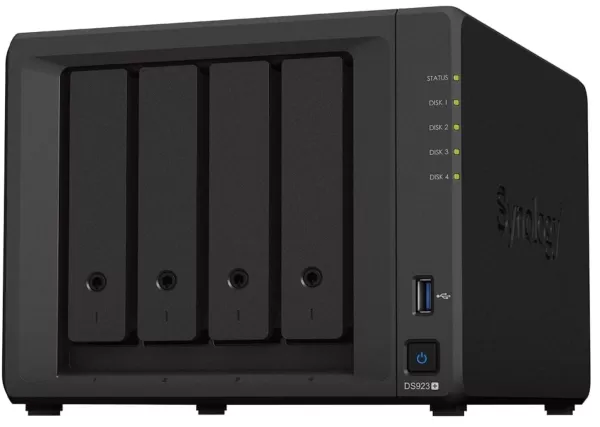
SynologyDiskStation DS923+
0See it at Amazon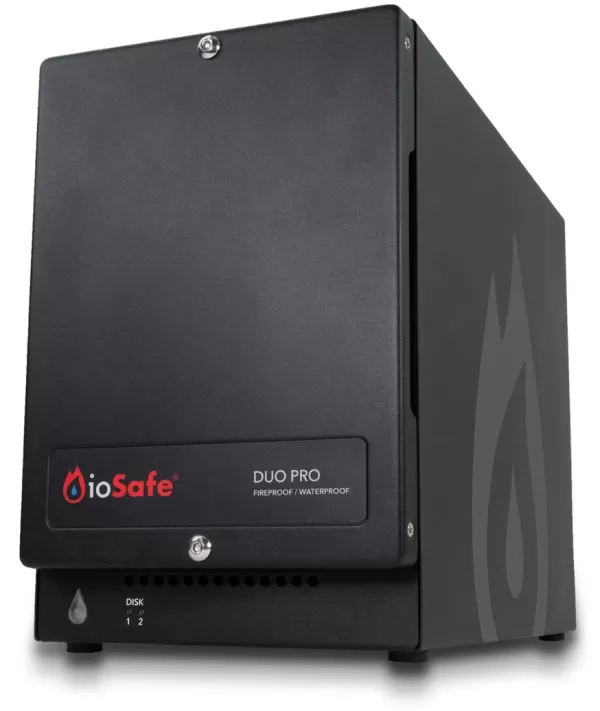
ioSafe Duo Pro
0See it at ioSafeLeading NAS drives offer substantial storage and seamless integration into your home network, enabling swift data transfers across devices like smartphones, tablets, and computers. Perfect for managing digital media libraries, NAS systems can be costly, so selecting the right one matters. We’ve curated eight standout options for various needs.
1. Synology DiskStation DS224+
Top NAS Choice
Our Top PickSynology DiskStation DS224+
0User-friendly, high-speed NAS with two drive bays, dual Gigabit LAN ports, an Intel Celeron processor, and upgradable 2GB RAM.See it at AmazonFor a straightforward yet powerful NAS, the Synology DiskStation DS224+ delivers. Its two drive bays support up to 32TB or RAID 1 for data redundancy. Dual Gigabit LAN ports enable faster speeds via Link Aggregation or failover, though a 2.5GB or 10GB LAN option would enhance connectivity.
With Synology’s intuitive apps and software, you can store security footage, run a Plex server, or keep files accessible. Powered by an Intel Celeron J4125 quad-core processor and 2GB DDR4 RAM (upgradable), it handles 4K transcoding, file management, and video streaming with ease.
2. UGreen NASync DXP2800
Best Value NAS
UGREEN NASync DXP2800
0Stylish, affordable NAS with robust hardware, dual drive bays, and easy file backup.See it at AmazonThe UGreen NASync DXP2800 combines sleek design, solid hardware, and a midrange price. Its Intel N100 quad-core processor and 8GB RAM excel at video transcoding and media management. The comprehensive OS simplifies setup and adds security features like two-factor authentication.
Dual SATA bays support up to 24TB each, ideal for media libraries or RAID redundancy. Two M.2 NVMe slots and a toolless drive system enhance storage flexibility. With 2.5Gb ethernet, HDMI, USB-C, and USB-A, connectivity is robust, though Plex requires Docker installation.
3. Synology DiskStation DS223j
Most Budget-Friendly NAS
Synology DiskStation DS223j
0Affordable, beginner-friendly NAS with reliable performance.See it at AmazonThe Synology DiskStation DS223j is perfect for NAS newcomers or those with basic storage needs. Its DiskStation Manager (DSM) OS offers robust apps for seamless file storage and access across devices. While its plastic build requires a screwdriver for drive installation, it supports two 3.5” SATA drives up to 32TB. Without M.2 slots or multi-gig ethernet, it prioritizes simplicity and affordability.
4. Asustor Lockerstor 2 AS6602T
Top NAS for Advanced Users
Asustor Lockerstor 2 AS6602T
0Powerful NAS with Intel Celeron quad-core, upgradable 4GB RAM, and versatile storage options.See it at AmazonThe Asustor Lockerstor 2 AS6602T is built for enthusiasts, featuring an Intel Celeron quad-core processor and 4GB RAM (upgradable to 8GB). Its two drive bays support 2.5” or 3.5” SATA drives, with two M.2 PCIe NVMe slots for faster storage. Dual 2.5Gb ethernet ports enable up to 5Gb speeds with link aggregation, ideal for backups, virtualization, or 4K HDR media streaming via HDMI 2.0.
5. Synology DiskStation DS1821+
Top Multi-Bay NAS
Synology DiskStation DS1821+
0Massive 128TB capacity with eight drive bays and M.2 NVMe slots for high-speed storage.See it at AmazonFor users needing vast storage, the Synology DiskStation DS1821+ offers eight drive bays for up to 128TB, with hot-swappable 3.5” or 2.5” drives. Expandable to 18 bays and equipped with M.2 NVMe slots for caching, it’s powered by a quad-core AMD Ryzen CPU and 4GB DDR4 ECC RAM (upgradable to 32GB), though it may run loud.
6. QNAP TS-264-8G
Best NAS for Streaming Media
QNAP TS-264-8G
0Centralized media hub with dual 2.5Gb ethernet, 4K HDMI, and robust connectivity.See it at AmazonThe QNAP TS-264-8G is tailored for media streaming, with dual 2.5Gb ethernet ports and a 4K HDMI output for seamless multi-device access. Its Intel Celeron N5105/N5095 quad-core processor and 8GB DDR4 RAM support smooth 4K transcoding. Two 3.5” bays and M.2 PCIe slots offer flexible storage, though the software may take time to master.
7. Synology DiskStation DS923+
Top NAS for RAID Security
SynologyDiskStation DS923+
0Secure data with four drive bays and multiple RAID options for redundancy.See it at AmazonThe Synology DiskStation DS923+ excels at secure backups with four drive bays supporting various RAID configurations for redundancy. Its two M.2 NVMe slots and dual 1Gb ethernet ports (with 10Gb upgrade potential) ensure fast performance. Powered by an AMD Ryzen dual-core processor and 4GB DDR4 RAM, it’s easy to set up with the DSM OS.
8. ioSafe Duo Pro
Most Durable Storage Solution
ioSafe Duo Pro
0Fireproof and water-resistant storage with RAID options for enhanced data protection.See it at ioSafeThe ioSafe Duo Pro, while not a traditional NAS, ensures data safety with fireproof and water-resistant design (IP68-rated for submersion). It supports RAID configurations and robust drive bays, with data recovery services included. Connect it via USB to a computer or router for network sharing.
Choosing the Right NAS
A NAS can simplify network challenges, enabling file sharing across devices or centralized backups for multiple computers in your home.
What’s Your Use Case?
If multiple devices need access to shared files or tools, a NAS is ideal. It’s also perfect for managing large media libraries, serving as a Plex server for movies, shows, and music accessible across devices.
Diskless or Pre-Installed? How Many Bays?
Most NAS devices are diskless, requiring separate drive purchases. Check manufacturer recommendations for compatible drives. More bays mean greater storage capacity, with two or more bays ideal for multimedia setups.
Latest News
more >-
-

- Universal Piece Trello and Wiki Links
- Oct 22,2026
-

-

-




