Top Xbox Series X|S Monitors Reviewed
- By Nova
- May 01,2025
If you're an avid gamer looking to elevate your Xbox Series X or Xbox Series S experience, upgrading to a gaming monitor can significantly enhance your gameplay. Unlike TVs, gaming monitors are designed specifically for gaming, offering superior visuals, responsiveness, and tailored features that can give you a competitive edge. Whether you're transitioning from a TV or seeking a display that matches the quality of your favorite games, this curated list of the best monitors for the Xbox Series X|S in 2025 is here to guide you.
TL;DR - The Best Monitors for Xbox Series X|S:
 Our Top Pick### BenQ Mobiuz EX321UX
0See it at AmazonSee it at Best BuySee it at Newegg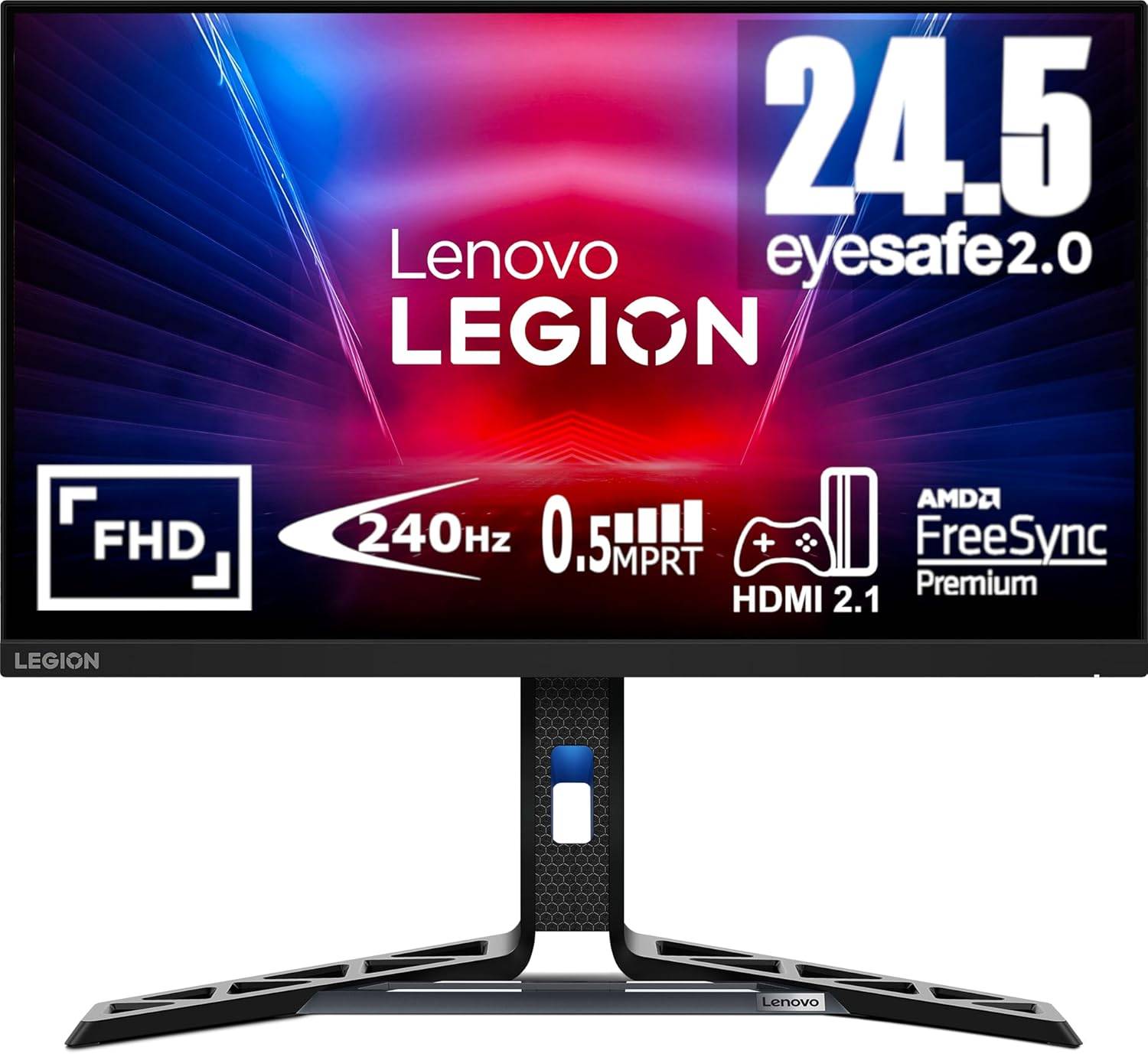 ### Lenovo Legion R25F-30
0See it at AmazonSee it at NeweggSee it at Lenovo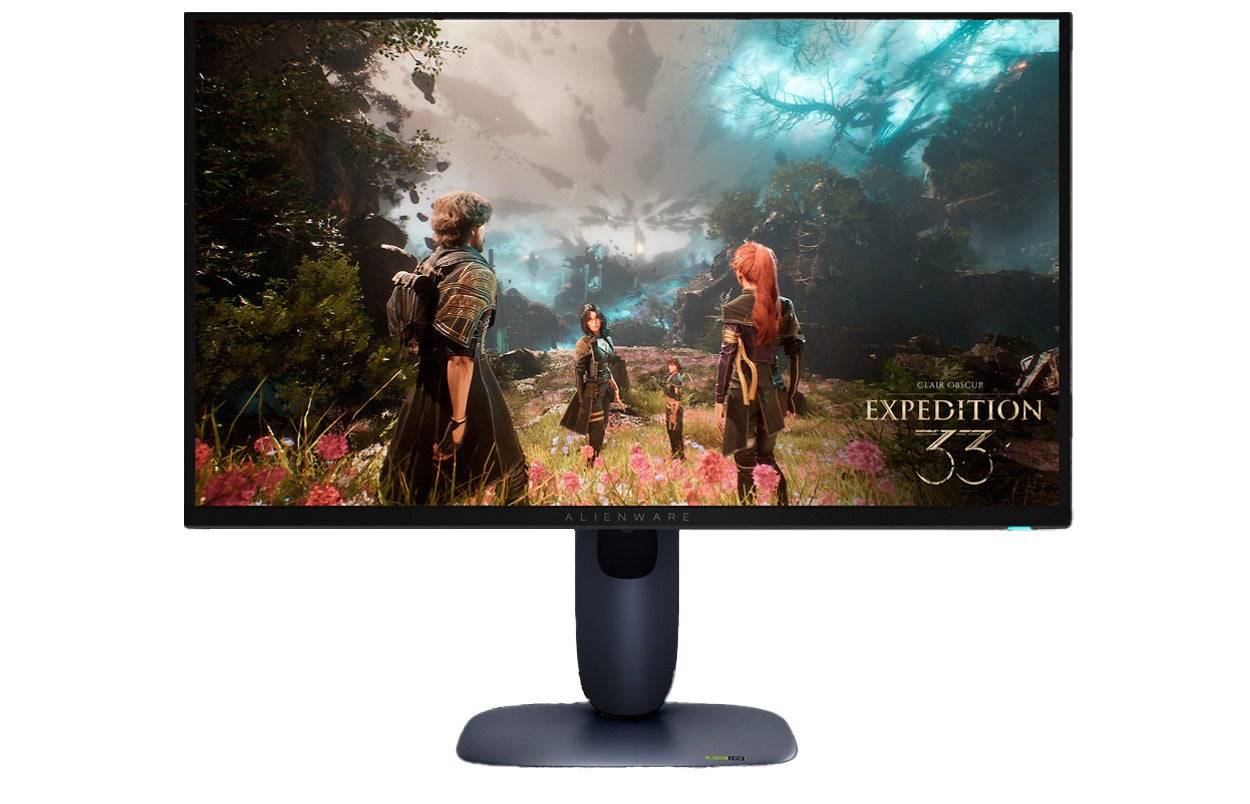 ### Dell Alienware AW2725Q
0See it at Dell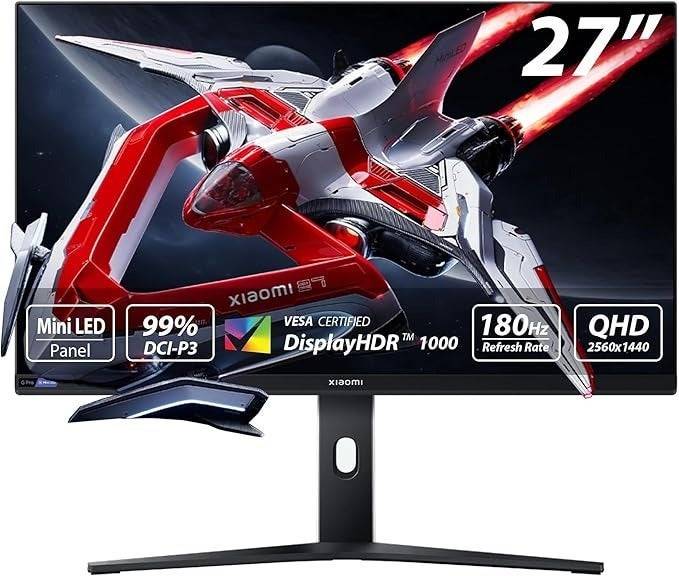 ### Xiaomi G Pro 27i
0$369.99 See it at Amazon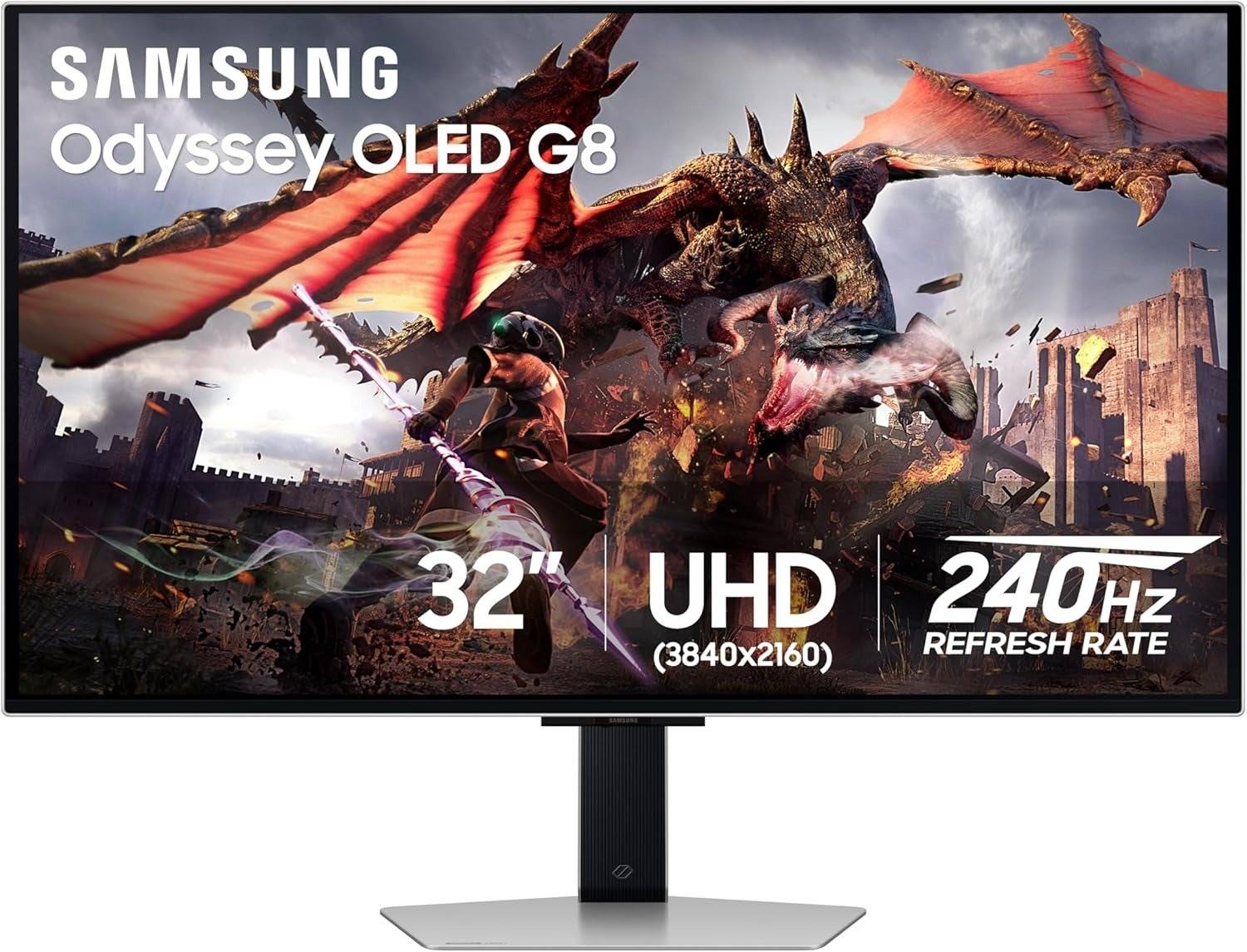 ### Samsung Odyssey G8 (G80SD)
0See it at AmazonSee it at Best BuySee it at SamsungGaming monitors are engineered to provide the best gaming experience possible, delivering crisp visuals and minimal input lag compared to most TVs. They often include specialized features and picture presets that enhance your gameplay, while avoiding the unnecessary extras that can bog down smart TVs. This results in not only better performance but also a clearer, more detailed picture that can make a significant difference in competitive gaming.
If you're short on space or also enjoy PC gaming, a gaming monitor is an excellent choice. These monitors typically range up to 32 inches, making them ideal for smaller rooms like bedrooms, dorms, or offices. Their smaller size also means higher pixel density, which contributes to sharper and more detailed images on your screen.
The Xbox Series X supports 4K resolution at up to 120fps, and monitors that meet these specifications can offer stunning visuals along with advanced features and picture presets not found in gaming TVs. To fully leverage these capabilities, opt for a monitor with HDMI 2.0 or higher compatibility.
On the other hand, the Xbox Series S supports 1440p at 120fps, and there are numerous monitors available that match or exceed this resolution. For optimal performance, consider a monitor with HDMI 2.0. However, if you prioritize smooth gameplay over resolution, a 1080p monitor can be a more budget-friendly and effective option.
Choosing the right gaming monitor can be daunting, especially if it's your first time, but we've selected the top picks to help you elevate your Xbox gaming experience to new heights.
Looking to deck out your Xbox X|S? Check out our guides for the best Xbox headsets, controllers, SSDs, and other accessories.
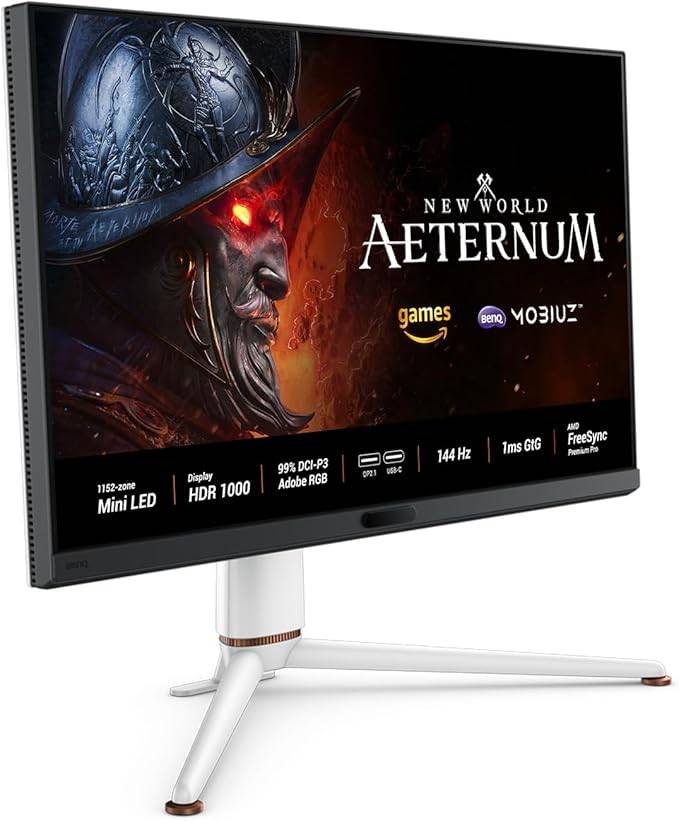
 1. BenQ Mobiuz EX321UX
The Best Monitor for Xbox Series X|S
 Our Top Pick ### BenQ Mobiuz EX321UX
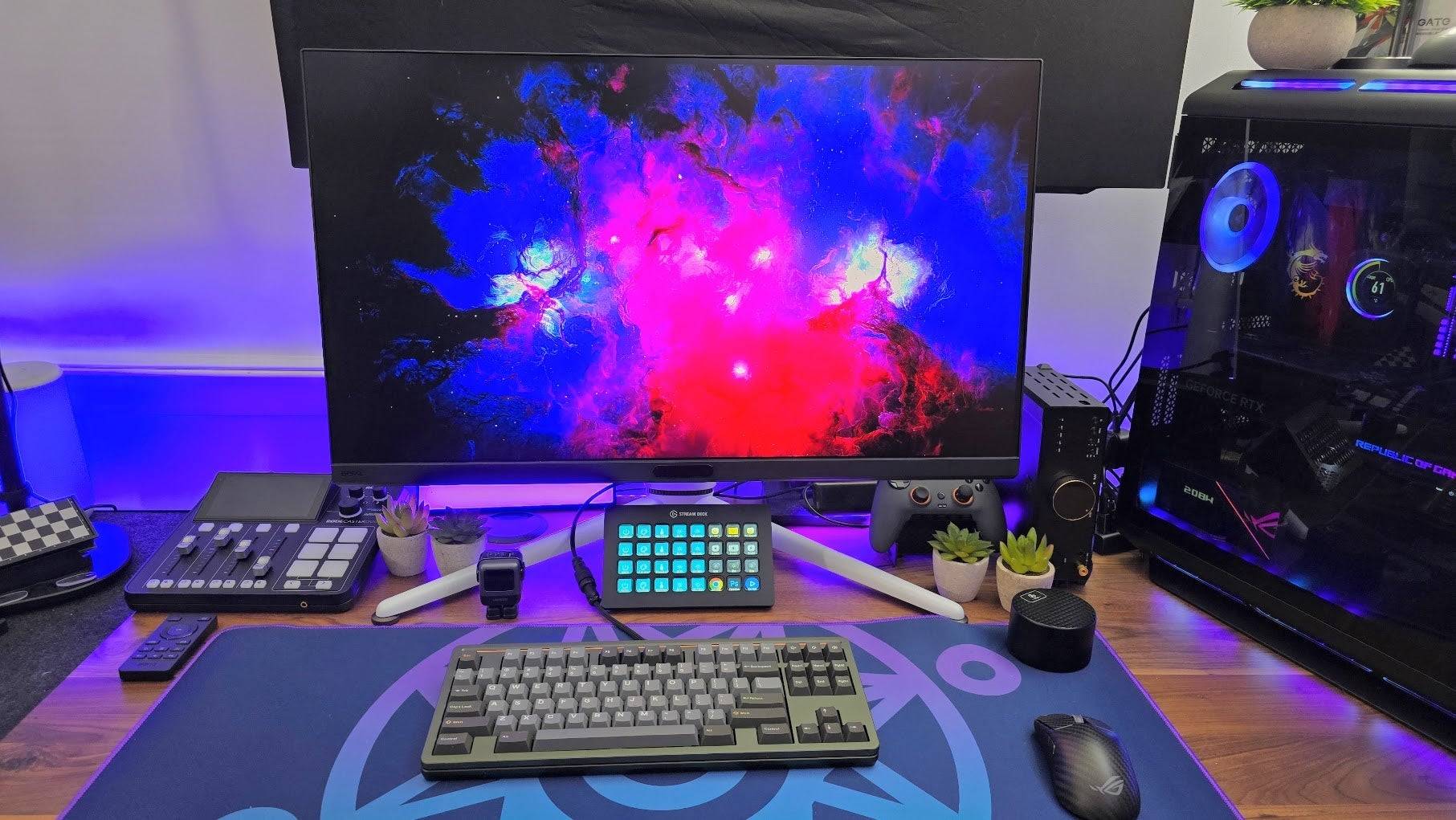
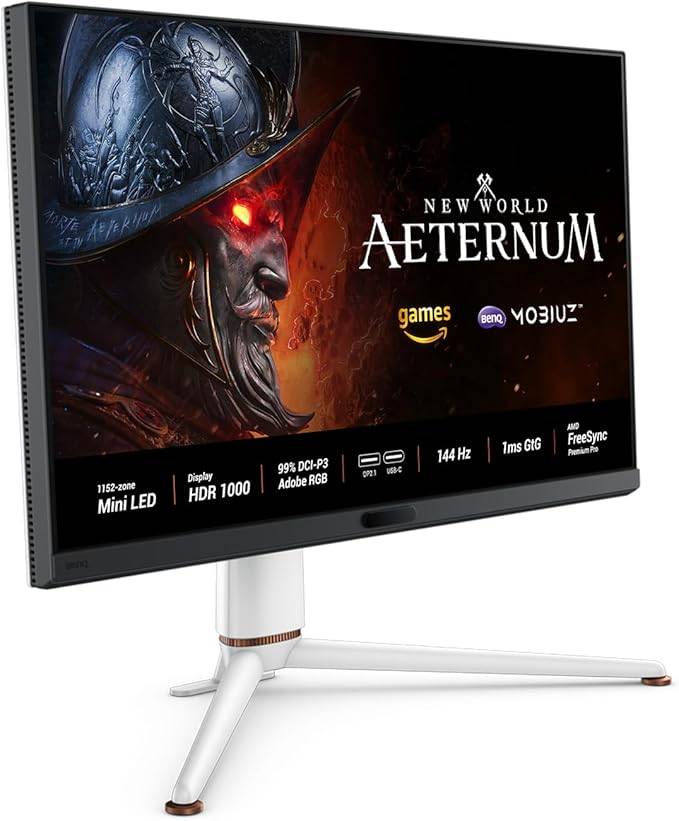
0A mini-LED marvel and the perfect companion for your XboxSee it at AmazonSee it at Best BuySee it at NeweggProduct SpecificationsScreen size32 inchesAspect ratio16:9Resolution3840 x 2160Panel typeIPS Mini-LEDHDR compatibilityHDR 10Brightness1,300 cd/m2Refresh rate240HzResponse time0.03msInputs1 x HDMI 2.1 (eARC), 2 x HDMI 2.1, 1 x DisplayPort 2.1, 1 x USB Type-C (DP, PD), 3 x USB 3.2 Type-A, 1 x USB 3.2 Type-C PROSIncredibly brightUnique picture modes Spacious and beautiful displayeARC support for soundbarsCONSMinor bloomingThe BenQ Mobiuz EX321UX stands out as a top-tier choice for Xbox gamers. Its exceptional responsiveness, coupled with outstanding brightness and mini-LED technology, delivers unparalleled HDR gaming. With a range of gaming-specific features, adaptive image settings, and HDMI eARC, it's the ultimate monitor for Xbox Series X|S enthusiasts.
Featuring an IPS panel with quantum dot enhancement, the EX321UX offers vibrant colors and wide viewing angles, perfect for sharing your gaming sessions. Unlike OLED panels, it avoids the risk of burn-in, and its mini-LED backlight ensures vivid colors and high brightness, reaching up to 1,300 nits at its peak and maintaining over 700 nits in SDR mode.
The monitor's local dimming zones provide superior contrast compared to standard IPS panels, making it a formidable competitor to OLED displays. It includes an intelligent contrast setting that ensures visibility in dark scenes, enhancing your gaming immersion.
Its unique approach to picture settings tailors the color based on the game genre, from vibrant Fantasy settings to more muted Sci-Fi environments, enhancing the visual experience. With extensive connectivity options and one-click KVM functionality, it's well-suited for both console and PC gamers.
While it doesn't offer per-pixel dimming and may exhibit some blooming, especially with light objects on dark backgrounds, the overall package is exceptional, catering effectively to both console and PC gaming needs.
Lenovo Legion R25F-30
Best Budget Xbox Series X|S Monitor
 ### Lenovo Legion R25F-30
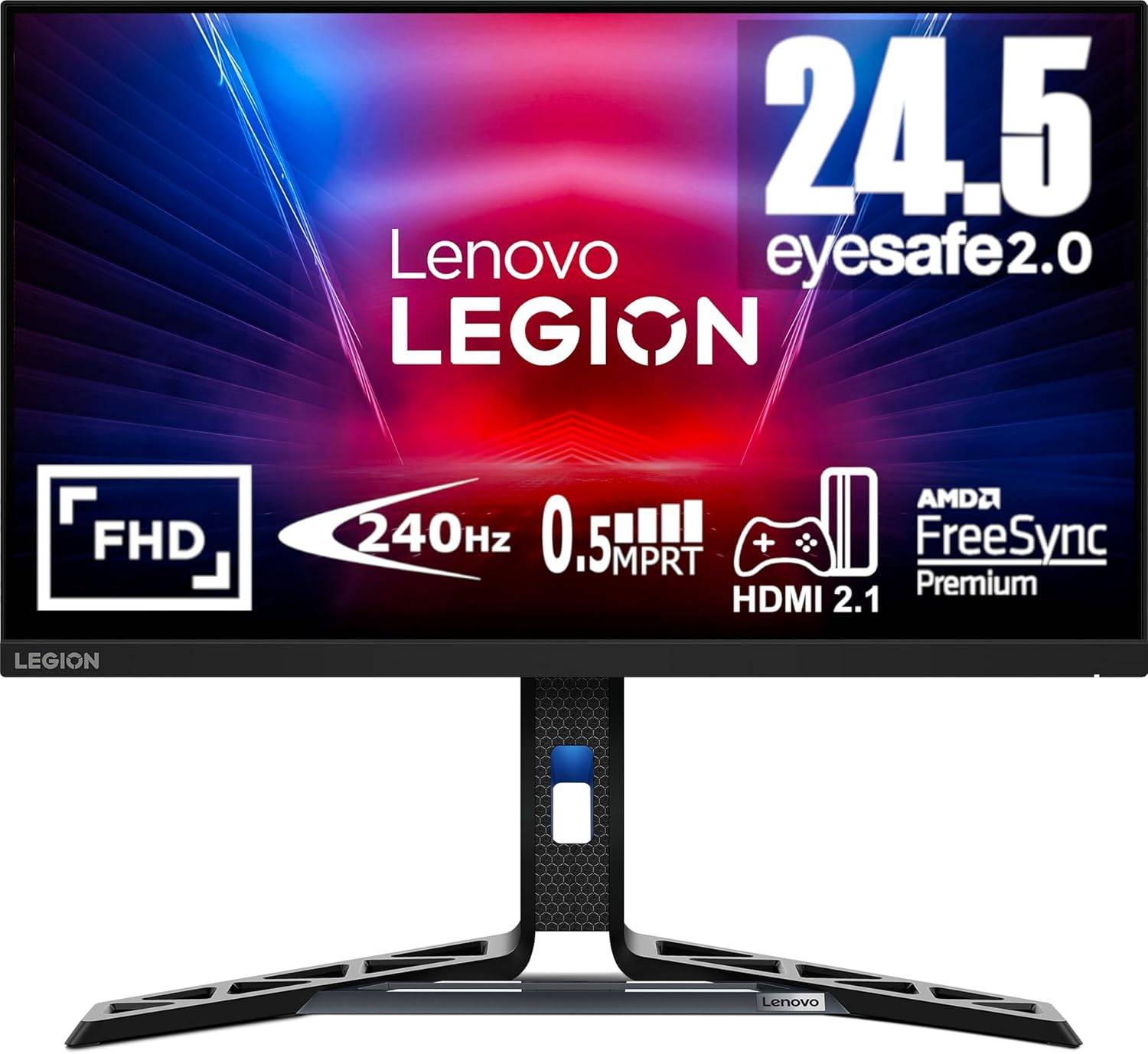
0Affordable and excellent, this monitor offers a great gaming experience without breaking the bank See it at AmazonSee it at NeweggSee it at LenovoProduct SpecificationsScreen size24 inchesAspect ratio16:9Resolution1920 x 1080Panel typeVABrightness380cd/m2Refresh rate280hzResponse time0.5msInputs2 x HDMI 2.1, 1 x DisplayPort 1.4PROSAffordable pricingGood colors and contrastAdjustable standHDMI 2.1CONSLimited brightnessThe Lenovo Legion R25F-30 offers an excellent gaming experience at a budget-friendly price, making it an ideal choice for Xbox gamers looking to save money without compromising quality. Priced under $170, this 24-inch monitor provides a balanced combination of image quality, responsiveness, and versatility.
The VA panel delivers deeper blacks and more lifelike shadows, surpassing the capabilities of IPS panels in this price range. While it doesn't match the contrast of monitors with full-array local dimming, it's a cost-effective option that offers impressive performance.
With a 280Hz refresh rate, the monitor ensures low input latency, though your Xbox will be limited to 120Hz. This is advantageous if you're also a PC gamer looking to push higher frame rates. The support for AMD FreeSync Premium ensures smooth gameplay without screen tearing, whether you're playing on the Xbox Series S or Series X.
Additionally, it features two 3-watt speakers for quick audio solutions, enhancing its value proposition. Our upcoming review will delve deeper into its performance, but initial impressions suggest it's a strong contender for budget-conscious gamers.
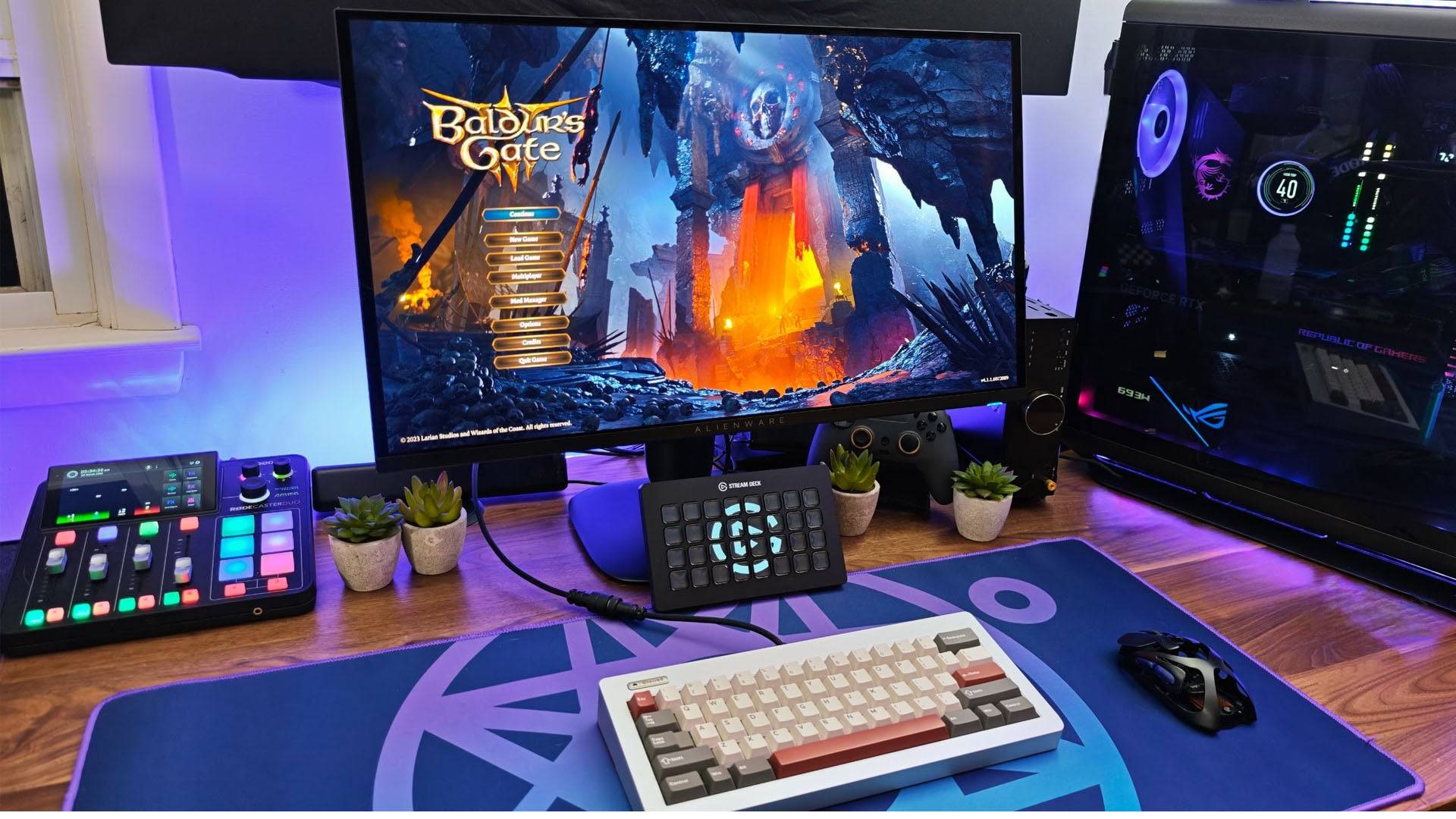
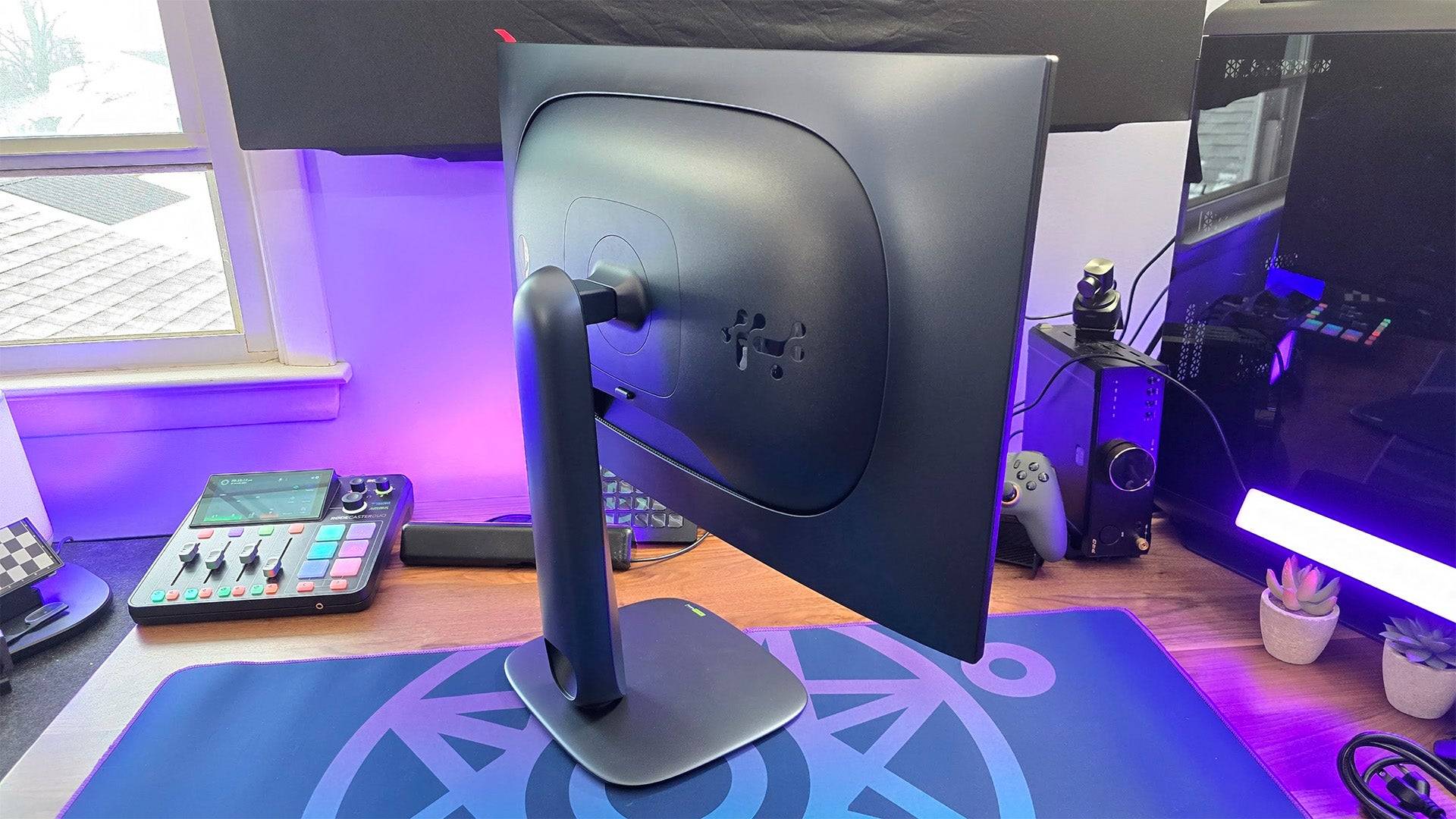
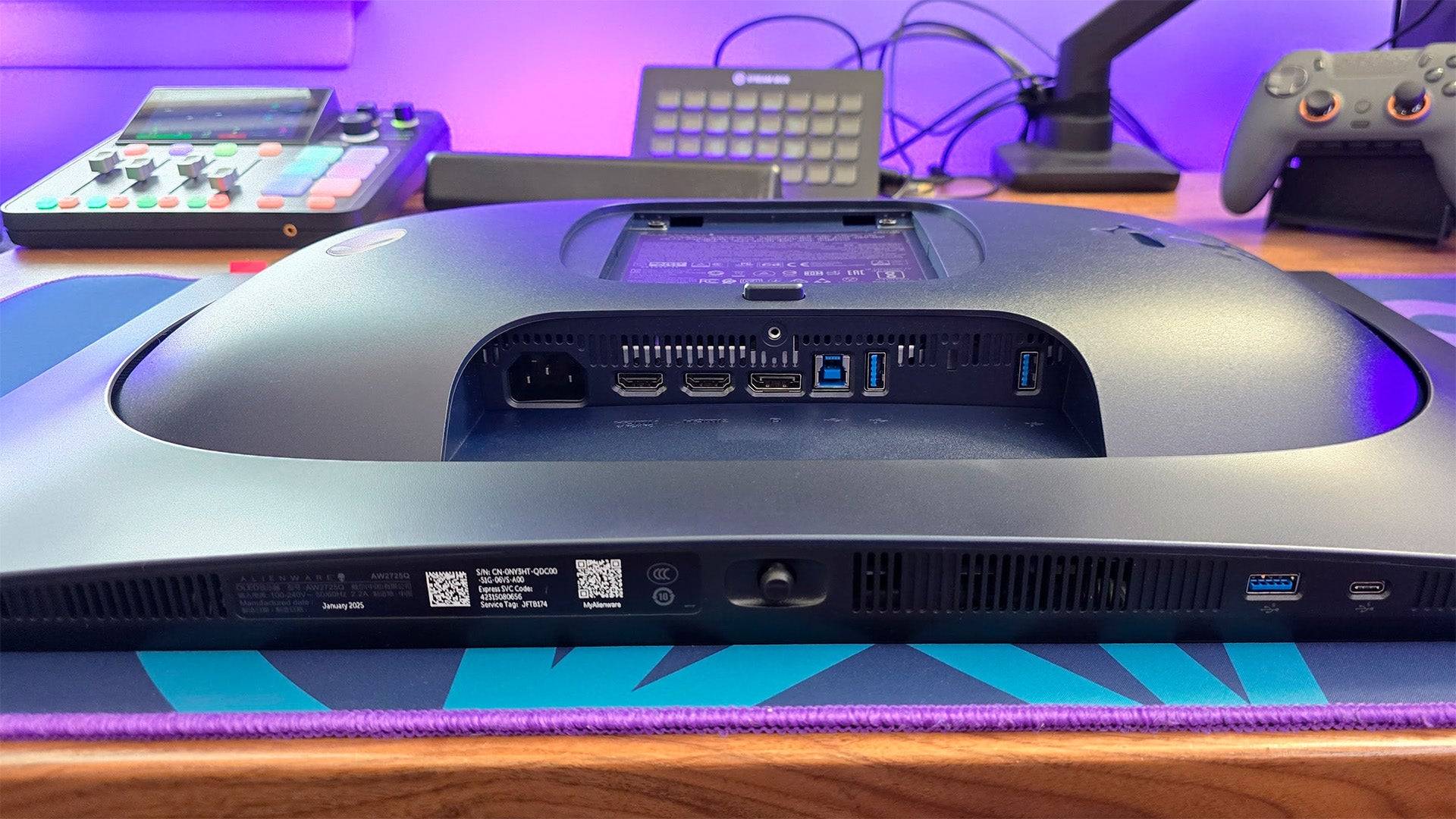
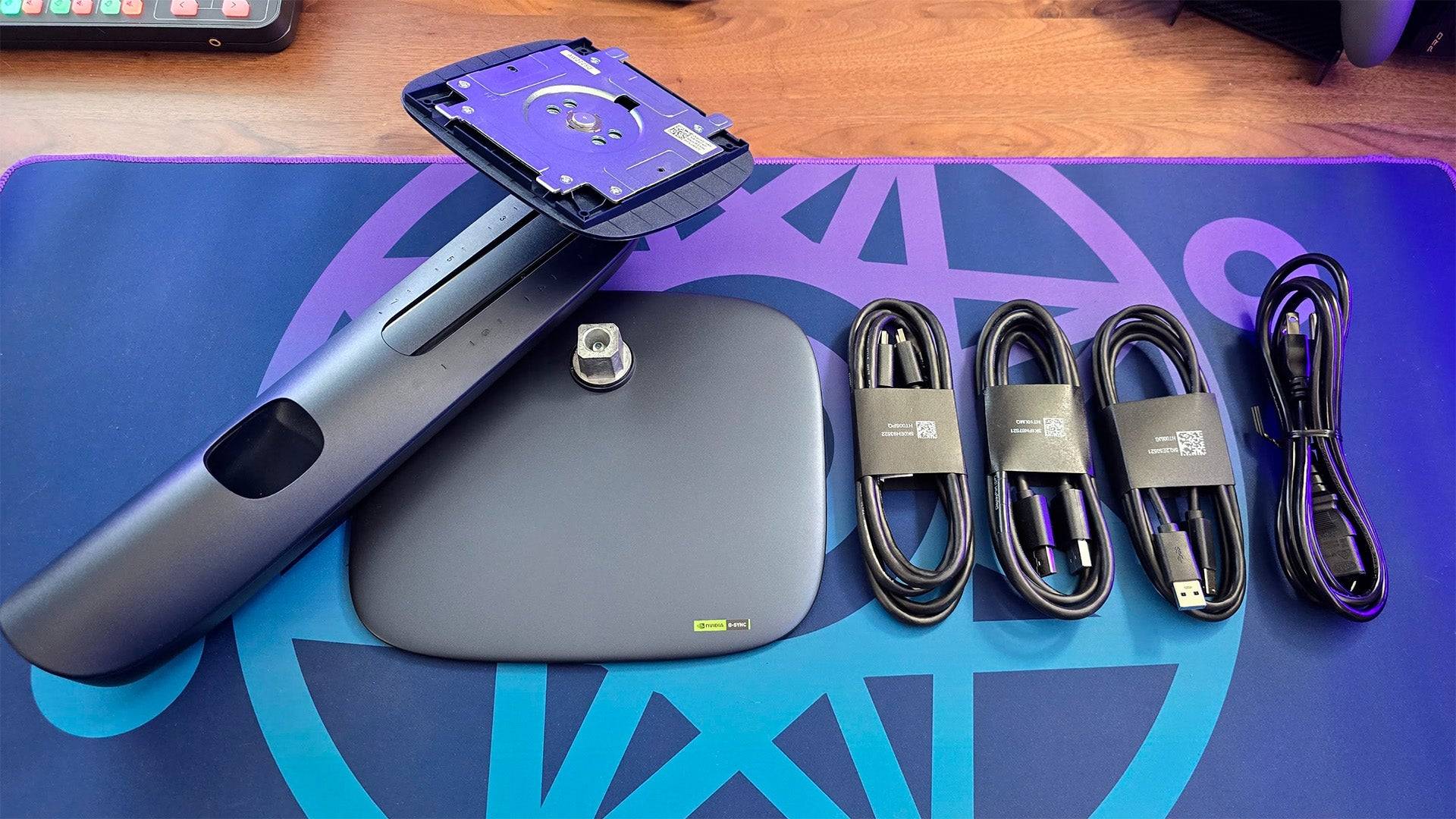
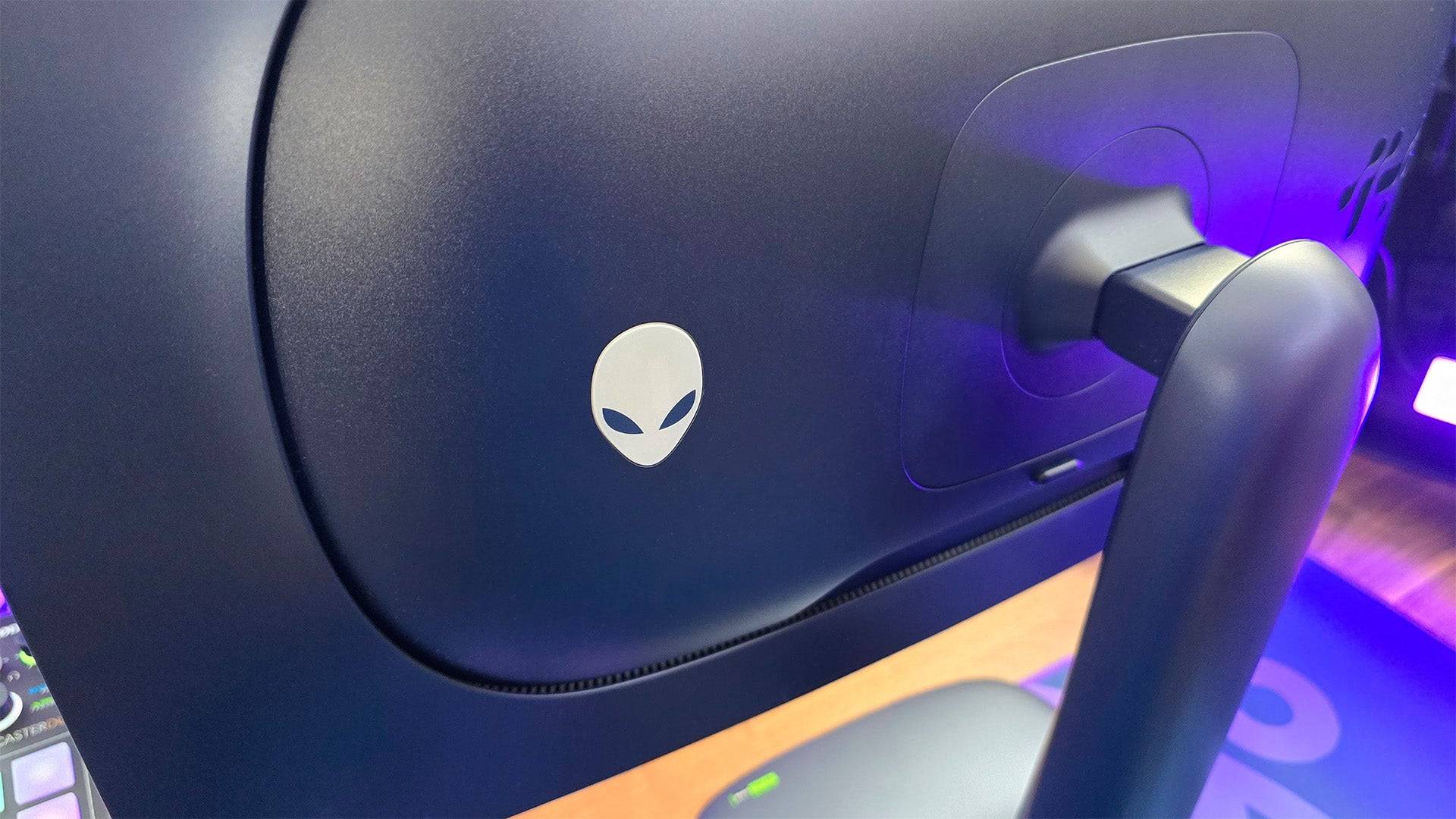
Alienware AW2725Q - Photos
 15 Images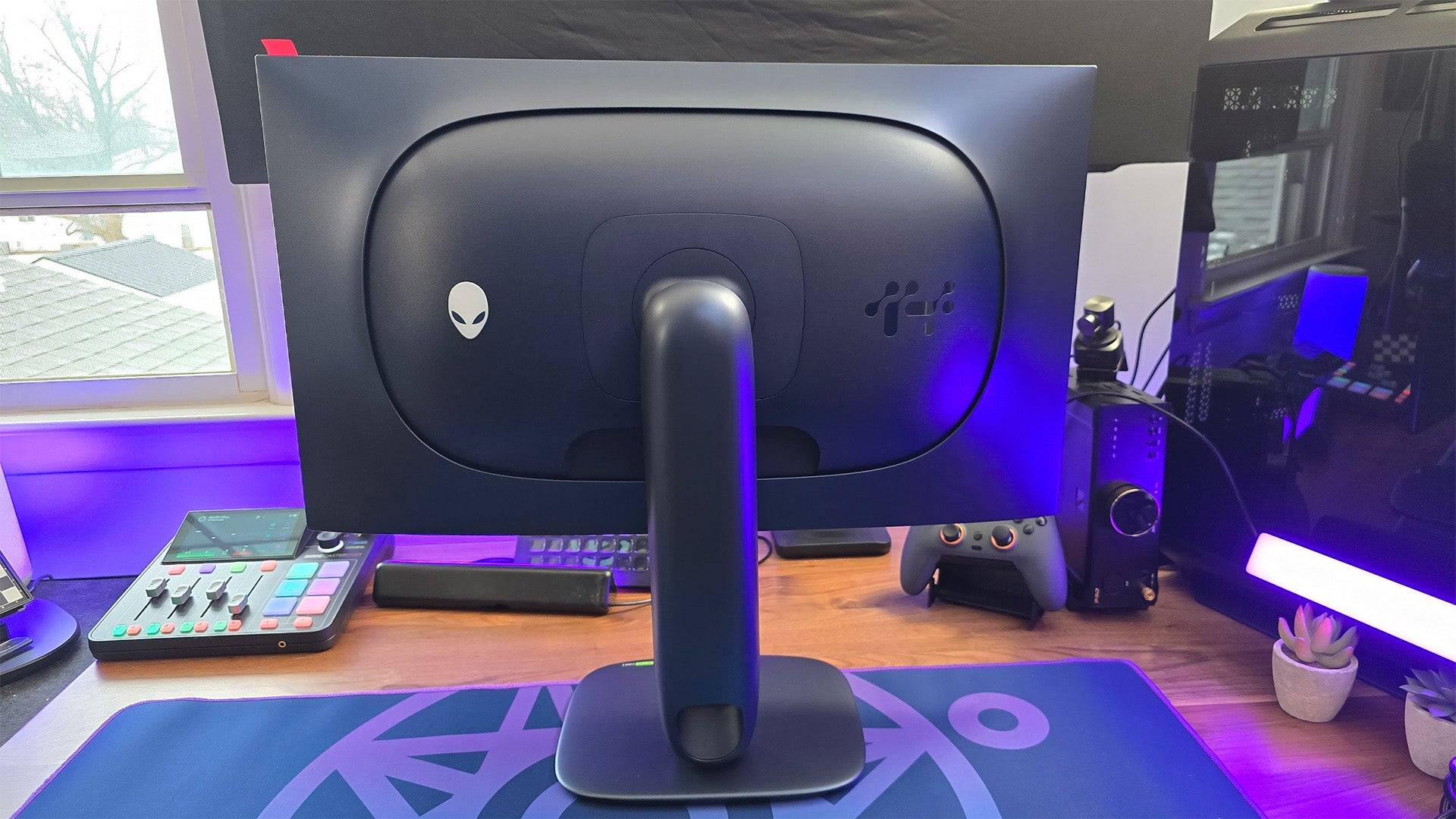
 3. Dell Alienware AW2725Q
Best 4K Xbox Series X|S Monitor
 ### Dell Alienware AW2725Q
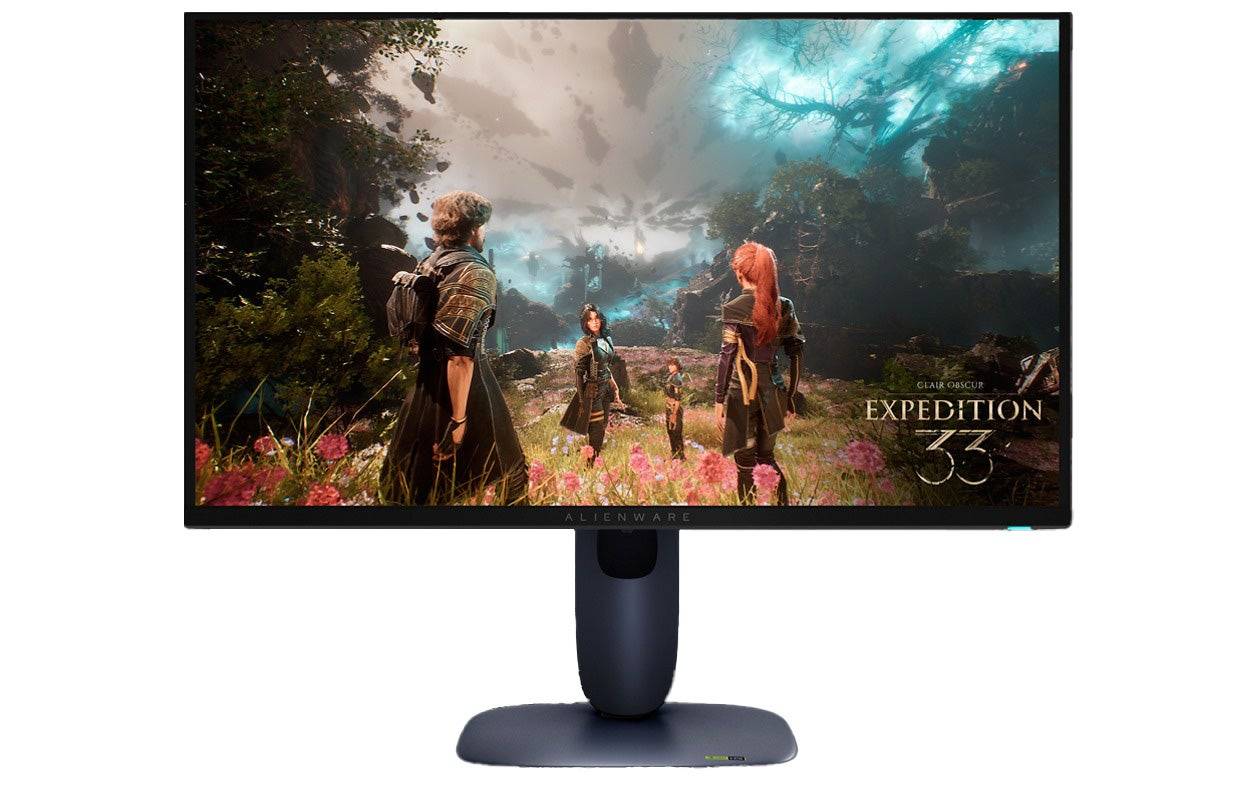
0This Alienware gaming monitor offers a great, QD-OLED picture for lessSee it at DellProduct SpecificationsScreen size26.7 inchesAspect ratio16:9Resolution3840 x 2160Panel typeQD-OLEDHDR compatibilityVESA DisplayHDR True Black 400Brightness250cd/m2Refresh rate240HzResponse time0.03msInputs 1 x HDMI 2.1 (eARC), 1 x HDMI 2.1, 1 x DisplayPort 1.4, 1 x USB Type-C (5Gbps, PD 15W), 3 x USB Type-A (5Gbps) 2 x USB 3.2PROSFantastic picture with support for Dolby VisionExceptionally responsiveSupports Xbox Series X at 4K, 120HzCONSNo KVMDell's Alienware AW2725Q is a standout option for 4K gaming on the Xbox Series X|S, offering a stunning QD-OLED display at a competitive price under $1,000. Its quantum dot enhanced OLED panel provides deep blacks, vibrant colors, and peak brightness of 1,000 nits, ensuring a top-notch HDR experience.
My earlier review highlighted its impressive picture quality and feature set, noting that it's part of a strategic effort to make QD-OLED technology more accessible without sacrificing performance. The monitor's rich colors, wide dynamic range, and customizable settings make it a worthy competitor to more expensive models.
It supports HDMI 2.1, allowing for seamless 4K gaming at 120Hz on the Xbox Series X, and features Dolby Vision HDR, a rare but valuable addition to gaming monitors. The inclusion of eARC and Dolby Atmos support further enhances its appeal for immersive audio experiences.
While it lacks a KVM for quick peripheral switching between platforms, this isn't a significant issue for controller-based gaming. As with all OLED displays, precautions against burn-in are necessary, though the monitor's built-in protection features mitigate this risk effectively.
For those seeking the ultimate 4K gaming experience, the Alienware AW2725Q is an excellent choice.
4. Xiaomi G Pro 27i
Best 1440p Xbox Series X|S Monitor
 ### Xiaomi G Pro 27i Mini-LED Gaming Monitor
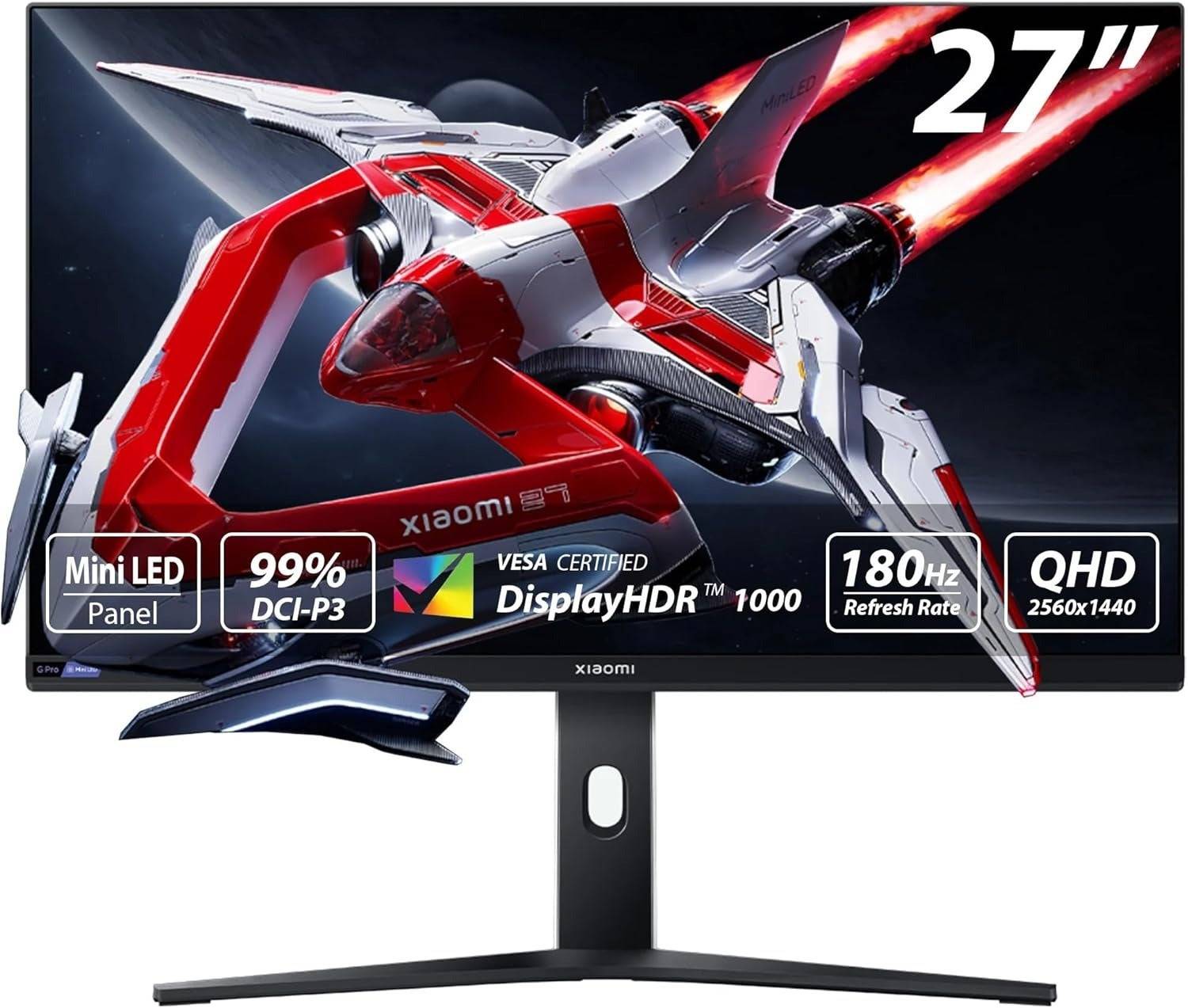
2Incredible picture quality at an awesome price. See it at AmazonProduct SpecificationsScreen size27"Aspect ratio16:9Resolution2,560 x 1,440Panel typeIPSHDR compatibilityHDR1000Brightness1,000 nitsRefresh rate180HzResponse time1ms (GTG)Inputs2 x DisplayPort 1.4, 2 x HDMI 2.0, 1 x 3.5mm AudioPROSTremendous value1,152 local dimming zones delivers outstanding contrast and HDR1,000 cdm/2 peak brightnessStylish design with versatile standCONSNo added gaming featuresNo built-in USB hubXiaomi's G Pro 27i is a game-changer for 1440p gaming, delivering exceptional picture quality at a budget-friendly price under $400. Ideal for both Xbox Series S and Series X, this monitor offers performance that rivals displays costing twice as much.
Its mini-LED backlight and quantum dot enhanced IPS panel ensure vibrant, accurate colors and impressive contrast, thanks to 1,152 local dimming zones. This results in minimal blooming, making it an excellent choice for HDR gaming. My review praised its high peak brightness of 1,000 nits, which enhances the visual impact of HDR content.
Despite its affordability, the G Pro 27i does lack some gaming-specific features and a built-in USB hub, requiring manual peripheral switching for PC/console dual use. However, it supports AMD FreeSync and can handle 1440p at 120Hz, making it a compelling choice for Xbox gamers.
Overall, the Xiaomi G Pro 27i stands out for its outstanding value and performance, earning high praise from users and reviewers alike.
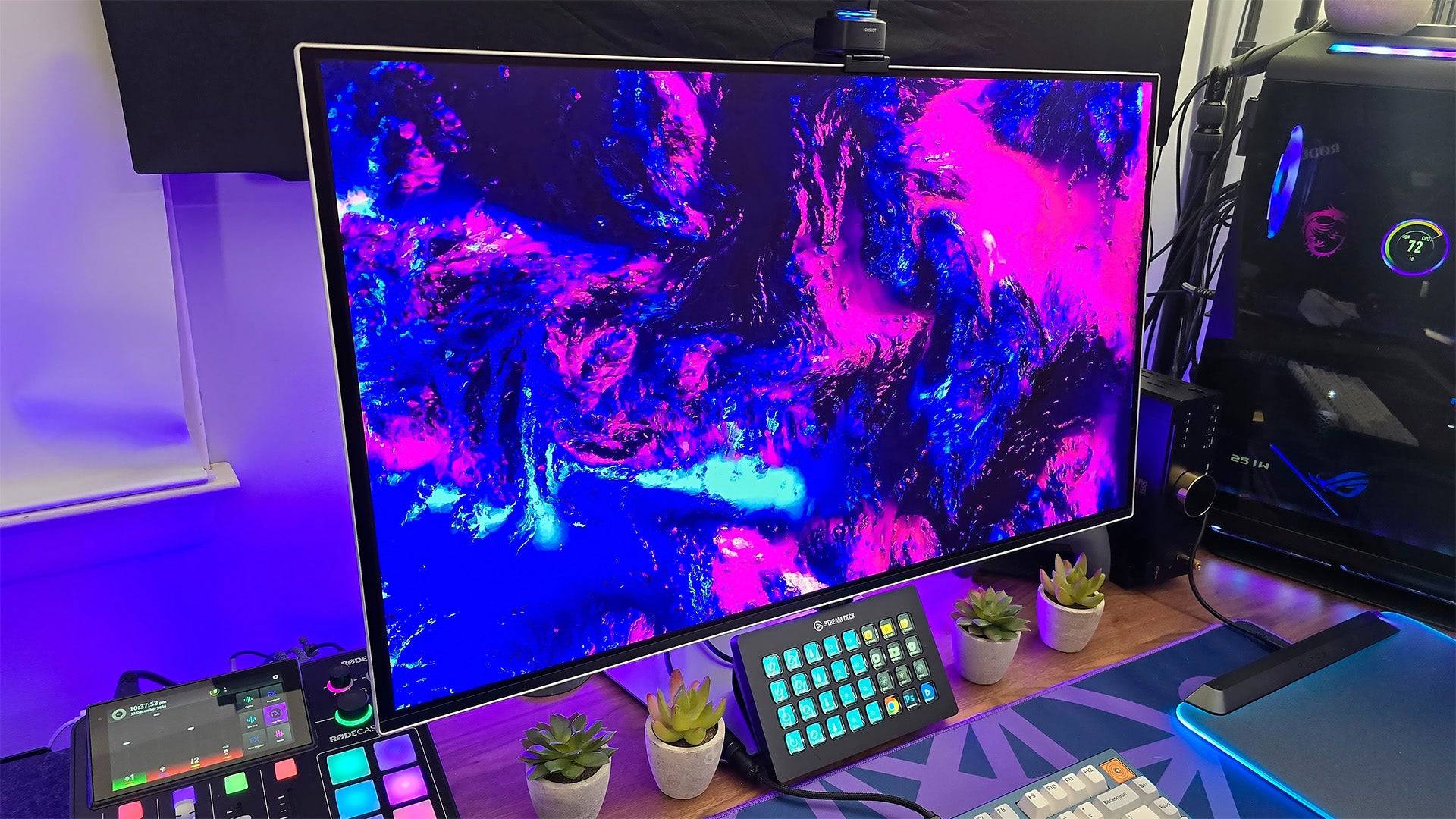 5. Samsung Odyssey G8 (G80SD)
Best Smart Monitor/TV Replacement for Series X|S
### Samsung Odyssey G8 (G80SD)
0Part TV, part gaming monitor, all of the performance.See it at AmazonSee it at Best BuySee it at SamsungProduct SpecificationsScreen size32 inchesAspect ratio16:9Resolution3840x2160Panel typeQD-OLED, Adaptive-Sync, G-Sync CompatibleHDR compatibilityHDR10, HDR10+Brightness250cd/m2Refresh rate240hz Response time0.3msInputs2 x HDMI 2.1, 1 x DisplayPort 1.4, 2 x USB Type-APROSSpacious screenBuilt-in video and game streaming servicesCan act as a complete TV replacement CONSTizen OS can feel intrusiveThe Samsung Odyssey G8 (G80SD) is a versatile smart monitor that combines the best of TVs and gaming monitors, making it an ideal choice for Xbox Series X|S users looking for a multi-purpose display. While its Tizen OS may feel intrusive for PC gamers, it's well-suited for console use, offering a seamless transition to a TV-like experience.
Upon setup, the G80SD functions as a smart TV, allowing access to live broadcasts, streaming apps, and even game streaming services like Xbox Cloud and Nvidia GeForce Now. When connected to your Xbox, it transforms into a high-performance gaming monitor, featuring a QD-OLED panel that delivers infinite contrast, stunning colors, and high peak brightness.
Its gaming performance is top-notch, with customizable picture settings that are user-friendly and effective. While it may not be the best choice for content creation due to its initial color accuracy, a few adjustments can yield excellent results.
For those in need of a space-saving solution that serves as both a TV and a gaming monitor, the Samsung Odyssey G8 (G80SD) is a fantastic option.
Gaming Monitors for Xbox Series X|S FAQ
Is a gaming monitor better than a TV for Xbox?
Gaming monitors generally offer superior performance compared to TVs, with faster response times and higher refresh rates. However, the choice between a monitor and a TV depends on your gaming preferences and setup. If you prefer a "big screen" experience and enjoy gaming from a couch, a high-quality TV might be more suitable. For those seeking the ultimate in responsiveness and up-close image quality, a gaming monitor is the better choice.
Can I use an ultrawide monitor with my Xbox?
While technically possible, using an ultrawide monitor with an Xbox is not recommended. Current Xbox consoles support only standard widescreen (16:9) aspect ratios, resulting in black bars on ultrawide screens. Additionally, ultrawide monitors may lack console-friendly features like HDMI eARC.
What is the best resolution for a gaming monitor for Xbox?
The ideal resolution depends on your Xbox model. For Xbox Series S, a 1440p or 1080p monitor may be more suitable to match its performance capabilities. For Xbox Series X, 4K is the optimal choice. Consider the refresh rate as well; while the Xbox Series X can support 4K at 120fps, a 4K, 120Hz monitor can be costly. A 1440p monitor with HDMI 2.0 can offer a more affordable yet effective solution.
When can you find discounts on Xbox Series X|S monitors?
The best times to find discounts on Xbox-compatible monitors are during major sales events. Black Friday offers some of the biggest discounts, while Amazon Prime Day is also an excellent opportunity for deals. Keep an eye on tech clearance sales at retailers like Best Buy and Walmart for additional savings opportunities.
Latest News
more >-
-

- Universal Piece Trello and Wiki Links
- Oct 22,2026
-

-

-




