Top-Tier Gaming Monitors for Every Budget
- By Gabriella
- Feb 21,2025
The price of high-end gaming monitors, especially those with OLED panels, large screens, high refresh rates, and sharp resolutions, has skyrocketed. However, excellent affordable options exist that don't compromise significantly on image quality or features. This guide highlights some of the best budget gaming monitors available.
TL;DR – Best Budget Gaming Monitors:
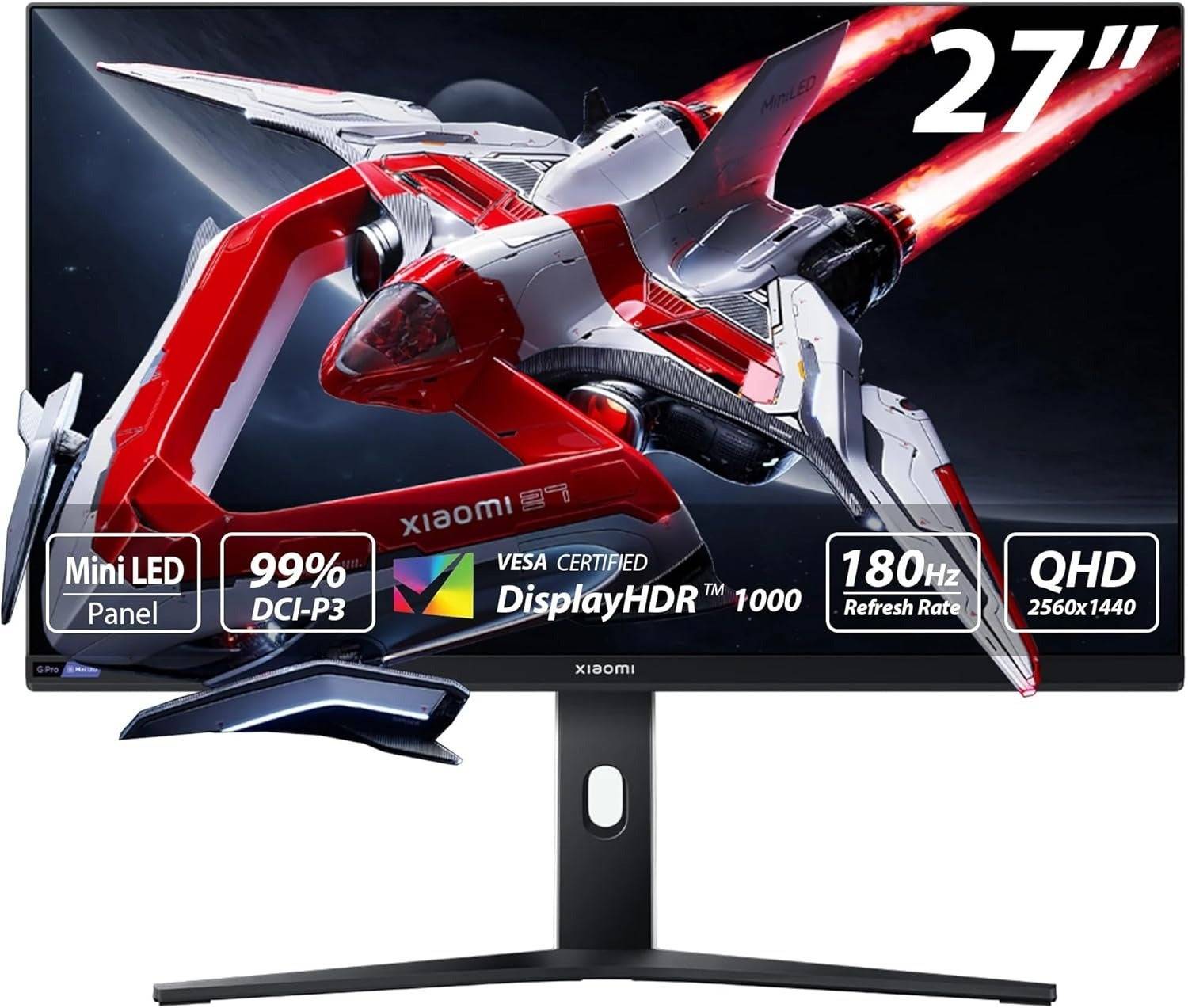 Top Pick: Xiaomi G Pro 27i Mini-LED Gaming Monitor
-
See it at Amazon
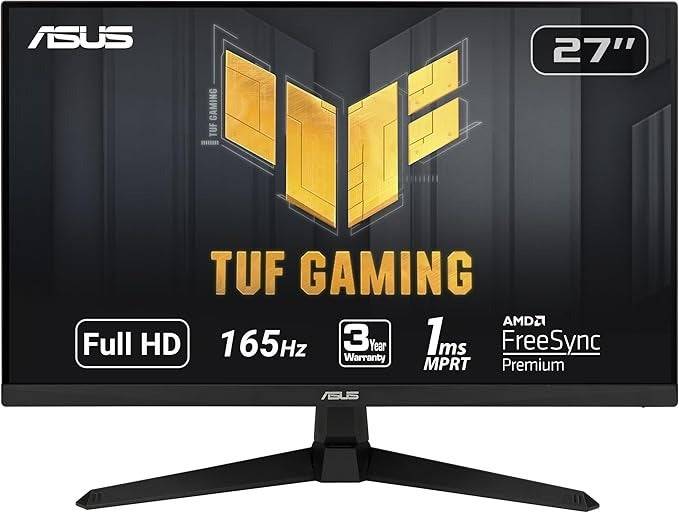 Best 1080p: Asus TUF Gaming VG277Q1A
 -
See it at Amazon
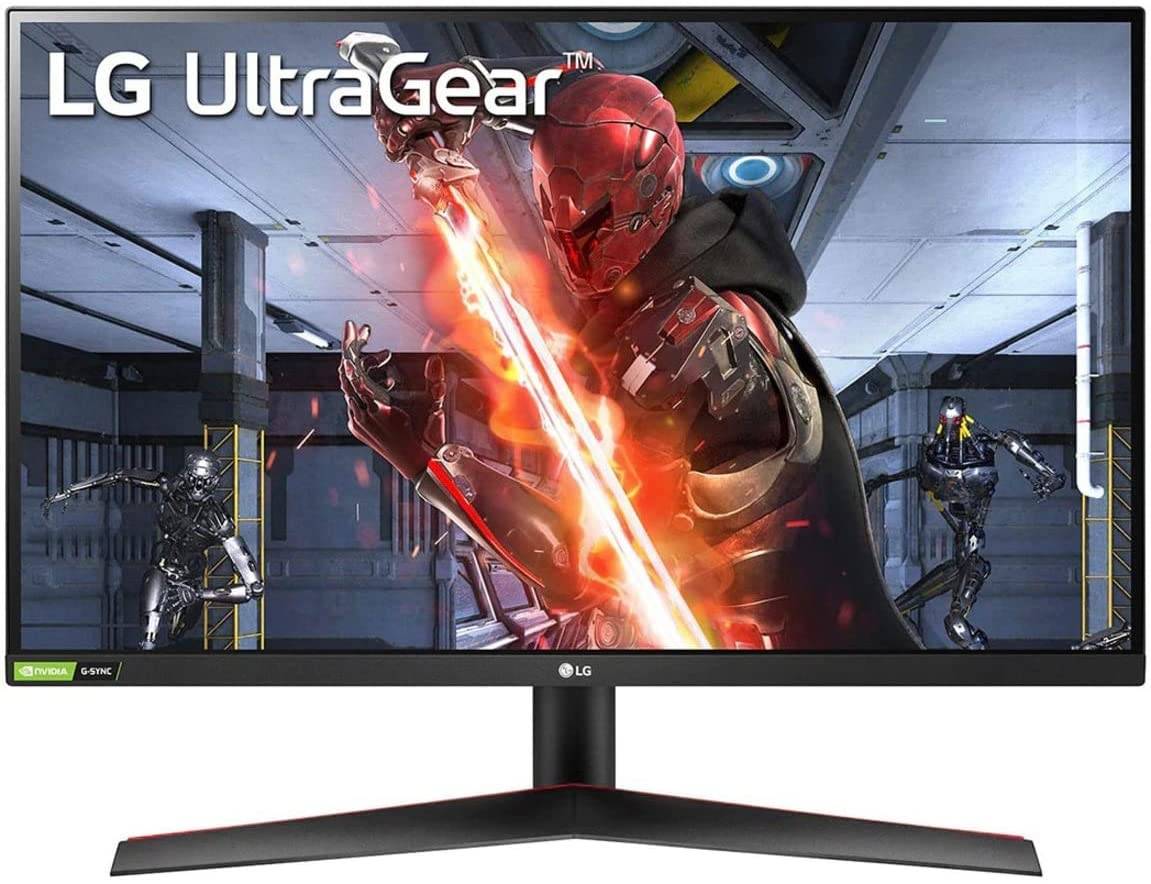 Best 1440p: LG UltraGear 27GN800-B
 -
See it at AmazonSee it at Target
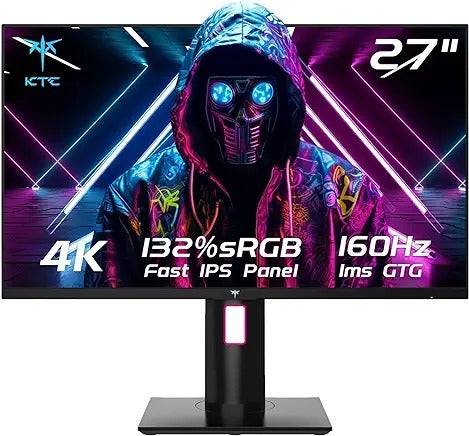 Best 4K: KTC H27P22S
 -
See it at Amazon
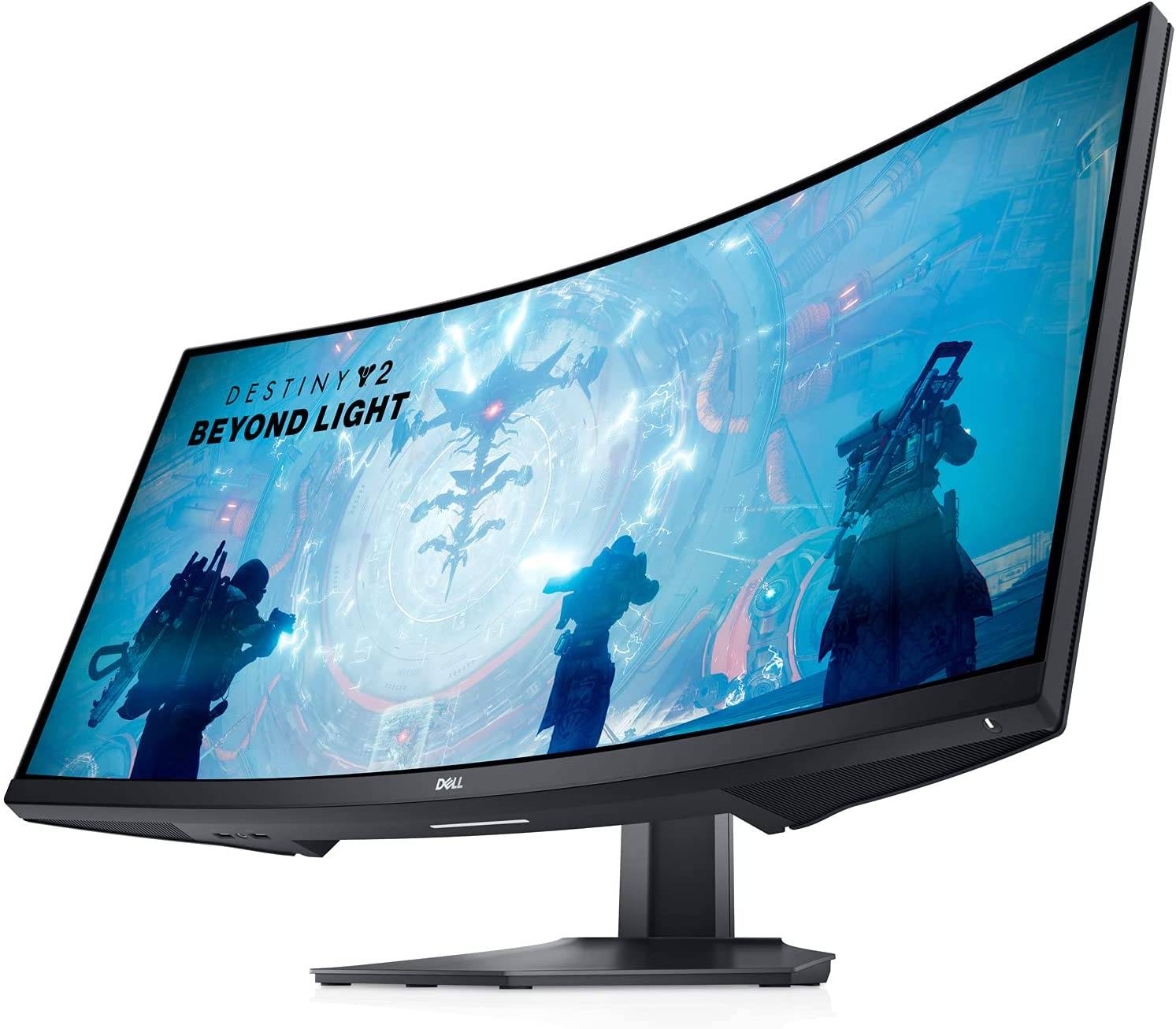 Best Ultrawide: Dell S3422DWG
 -
See it at AmazonSee it at Dell
Budget monitors might lack advanced features, but they still deliver excellent gaming experiences, especially when paired with mid-range graphics cards and CPUs. While compromises are often necessary (e.g., adjustable stands), focusing on performance and essential features yields great value.
Beware of extremely cheap monitors; a sub-$100 monitor might be short-lived and potentially harmful to your eyes. The monitors recommended here offer better build quality, panels, and features for a more satisfying experience.
Contributions by Danielle Abraham, Matthew S. Smith
For current deals, check the best gaming monitor deals.
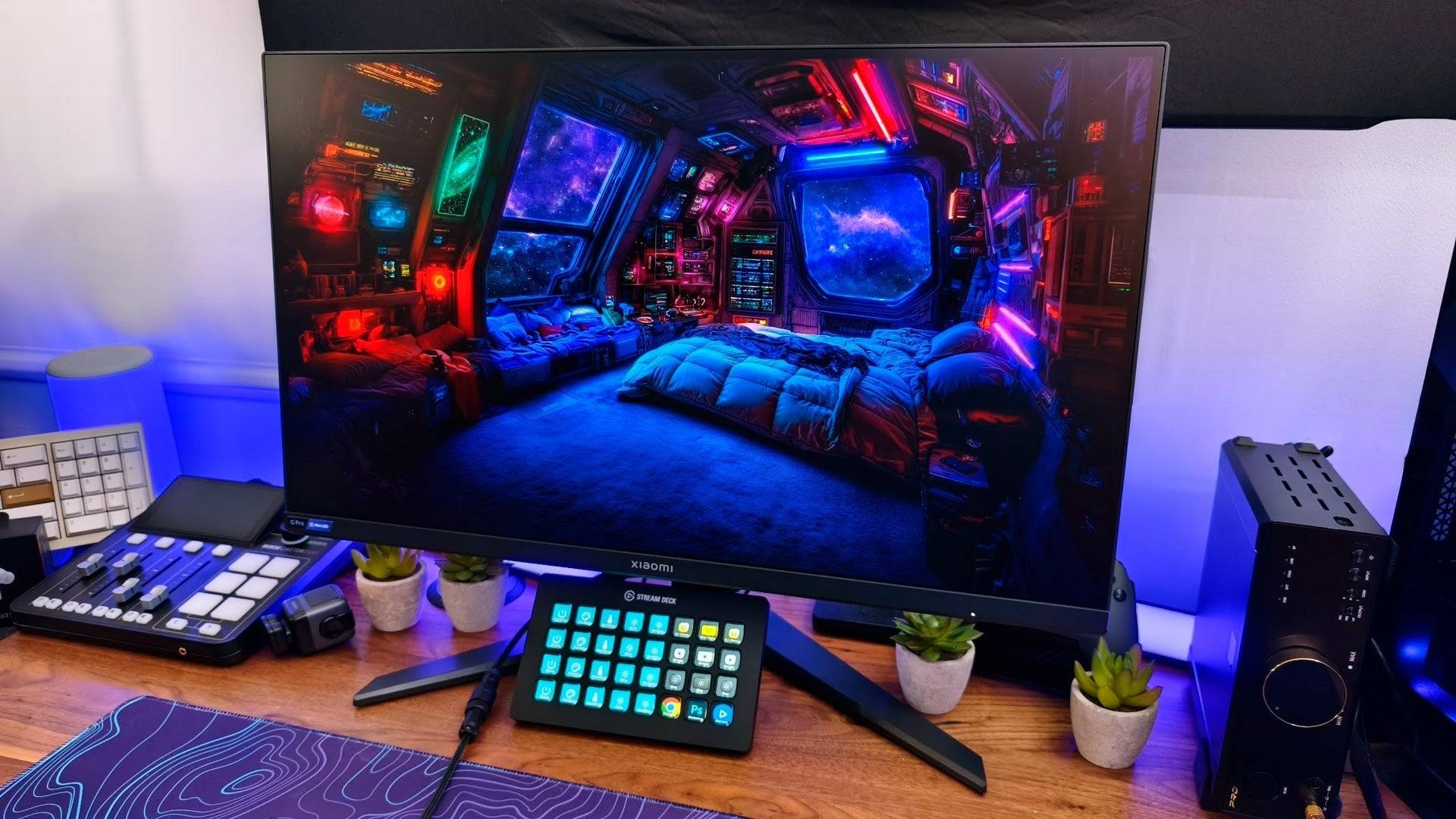
1. Xiaomi G Pro 27i Mini-LED Gaming Monitor – Best Overall
Exceptional picture quality at a remarkable price. See it at Amazon.
Specifications:
- Screen Size: 27”
- Aspect Ratio: 16:9
- Resolution: 2560 x 1440
- Panel type: IPS
- Brightness: 1000 cd/m2
- Refresh rate: 180Hz
- Response time: 1ms
- Inputs: 2 x DisplayPort 1.4, 2 x HDMI 2.0, 1 x 3.5mm Audio
Pros: High brightness, deep contrast, accurate colors, excellent picture quality and HDR, robust local dimming zones.
Cons: Bloom on dark grey backgrounds, no USB hub.
The Xiaomi G Pro 27i is a standout, offering features usually found in much more expensive monitors. Its mini-LED backlight with FALD and 1152 local dimming zones significantly reduce blooming, resulting in a superior HDR experience. Its color accuracy and 180Hz refresh rate are also impressive. The lack of a USB hub and HDMI 2.0 limitation are minor drawbacks considering its overall value.
2. Asus TUF Gaming VG277Q1A – Best Budget 1080p
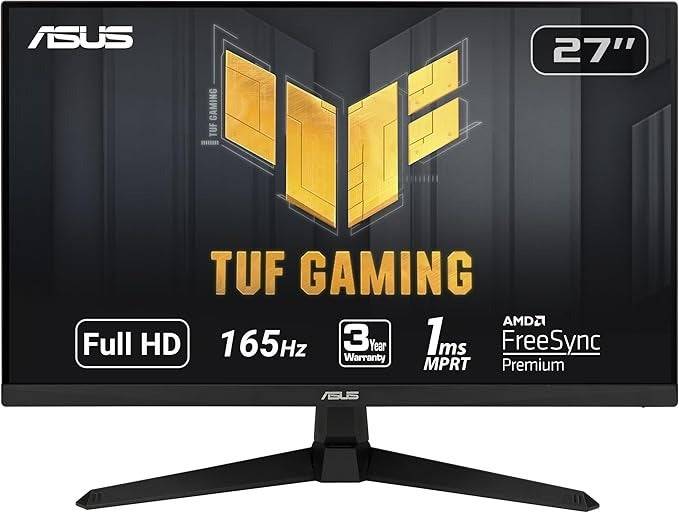
Excellent gaming performance at a low price. See it at Amazon.
Specifications:
- Screen Size: 27”
- Aspect Ratio: 16:9
- Resolution: 1920 x 1080
- Panel type: VA, FreeSync Premium, G-Sync Compatible
- Brightness: 350 cd/m2
- Refresh rate: 165Hz
- Response time: 1ms
- Inputs: 2x HDMI 1.4, 1x DisplayPort 1.2, 1 x Audio Jack
Pros: Great colors and contrast, ELMB support, VESA support.
Cons: No height adjustment, lower pixel density than higher resolution options at this size.
The Asus TUF Gaming VG277Q1A provides strong performance for its price. The VA panel delivers deep blacks and wide dynamic range. Game-enhancing features like ELMB and Shadow Boost add value. The lack of height adjustment is a minor drawback.
3. LG UltraGear 27GN800-B – Best Budget 1440p
1440p resolution with adaptive sync and color accuracy. See it at AmazonSee it at Target.
Specifications:
- Screen Size: 27”
- Aspect Ratio: 16:9
- Resolution: 2560 x 1440
- Panel type: IPS, FreeSync and G-Sync
- Response time: 1ms
- Inputs: 2x HDMI, 1x DisplayPort
Pros: Solid HDR gaming, great color accuracy.
Cons: Non-adjustable stand.
The LG UltraGear 27GN800-B offers a significant resolution upgrade over 1080p, with sharp visuals and accurate colors. Its 144Hz refresh rate and adaptive sync support ensure smooth gameplay. The lack of height adjustment is its main drawback.
4. KTC H27P22S – Best Budget 4K
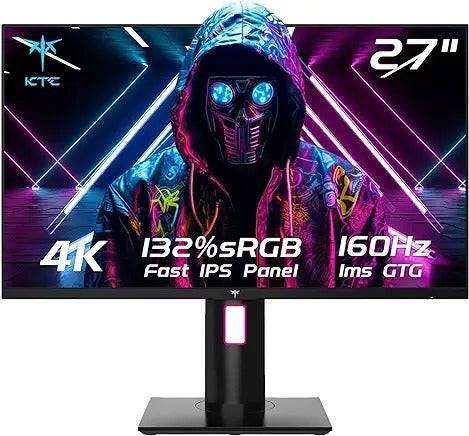
Fast and fantastic 4K picture at a reasonable price. See it at Amazon.
Specifications:
- Screen Size: 27”
- Aspect Ratio: 16:9
- Resolution: 3840 x 2160
- Panel type: IPS, FreeSync Premium, G-Sync Compatible
- Brightness: 400 cd/m2
- Refresh rate: 160Hz
- Response time: 1ms
- Inputs: 2 x DisplayPort 1.4, 2 x HDMI 2.1, 1 x 3.5mm Audio
Pros: Sharp 4K screen, great for consoles, fast refresh rate.
Cons: No USB connectivity, not factory calibrated.
The KTC H27P22S delivers a high-refresh-rate 4K experience at a surprisingly affordable price. Its HDMI 2.1 ports are ideal for consoles. The lack of factory calibration and USB hub are minor drawbacks.
5. Dell S3422DWG – Best Ultrawide Budget
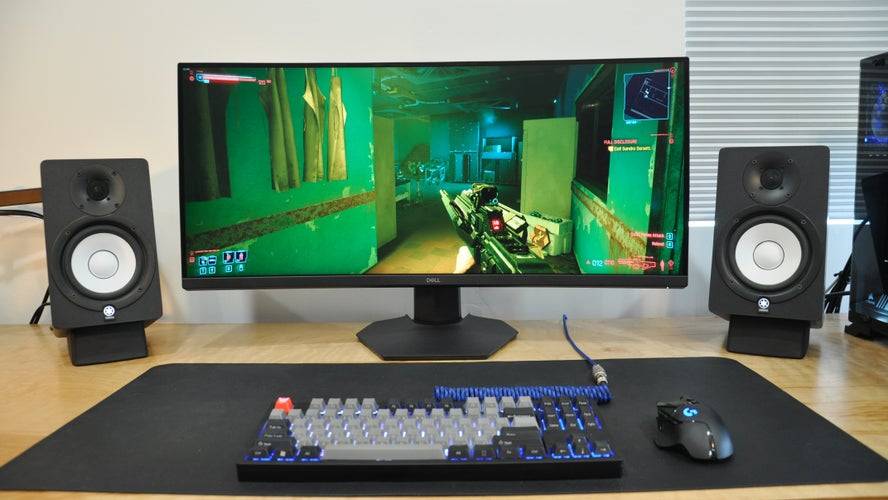
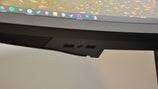

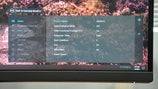
Immersive ultrawide curved monitor. See it at AmazonSee it at Dell.
Specifications:
- Screen Size: 34”
- Aspect Ratio: 21:9
- Resolution: 3440 x 1440
- Panel type: VA, FreeSync
- Brightness: 400 cd/m2
- Refresh rate: 144Hz
- Response time: 1ms
- Inputs: 2x HDMI, 1x DisplayPort
Pros: Great contrast, immersive curved display.
Cons: Minor ghosting.
The Dell S3422DWG provides an immersive ultrawide experience at a reasonable price. Its 3440x1440 resolution and curved screen enhance immersion. The 144Hz refresh rate and FreeSync support contribute to smooth gameplay.
How Much to Spend & Key Considerations:
The $200-$300 range offers a good balance of value and quality. Compromises are inevitable, but a well-chosen monitor should last several years. Consider these factors:
- Resolution: 1080p is budget-friendly but less sharp than 1440p or 4K. 1440p offers a good balance; 4K requires more powerful hardware.
- Refresh Rate: 144Hz is a good all-around choice; 240Hz is better for competitive gaming.
- Panel Type: IPS offers better color accuracy and motion clarity; VA provides superior contrast.
- Screen Size: 27" is a good standard size; ultrawides offer greater immersion.
- Adaptive Sync: G-Sync or FreeSync compatibility is recommended.
- HDR: Budget HDR is often limited by brightness.
FAQs:
- Best Panel Type: IPS for color and motion, VA for contrast (mini-LED IPS is superior if available).
- Best Time to Buy: During sales events (Prime Day, Black Friday).
- Monitor Size: Consider available space, resolution, and pixel density. 24" for 1080p, 27-32" for 1440p, 27" or larger for 4K.
This guide helps you navigate the world of budget gaming monitors and find the perfect fit for your needs and budget.
Latest News
more >-
-

- Universal Piece Trello and Wiki Links
- Oct 22,2026
-

-

-




