How To Fix DirectX 12 Errors in Final Fantasy 7 Rebirth on PC (DX12)
- By Ellie
- Mar 29,2025
It's incredibly frustrating to eagerly download a game, sit down to play, and then encounter issues that prevent you from diving into the experience. This is the unfortunate reality many fans of *Final Fantasy 7* are facing with *Final Fantasy 7 Rebirth* on PC. Let's explore how to resolve those pesky DirectX 12 (DX12) errors and get you back to saving the world alongside Cloud and his companions.
What Are DirectX 12 Errors in Final Fantasy 7 Rebirth?
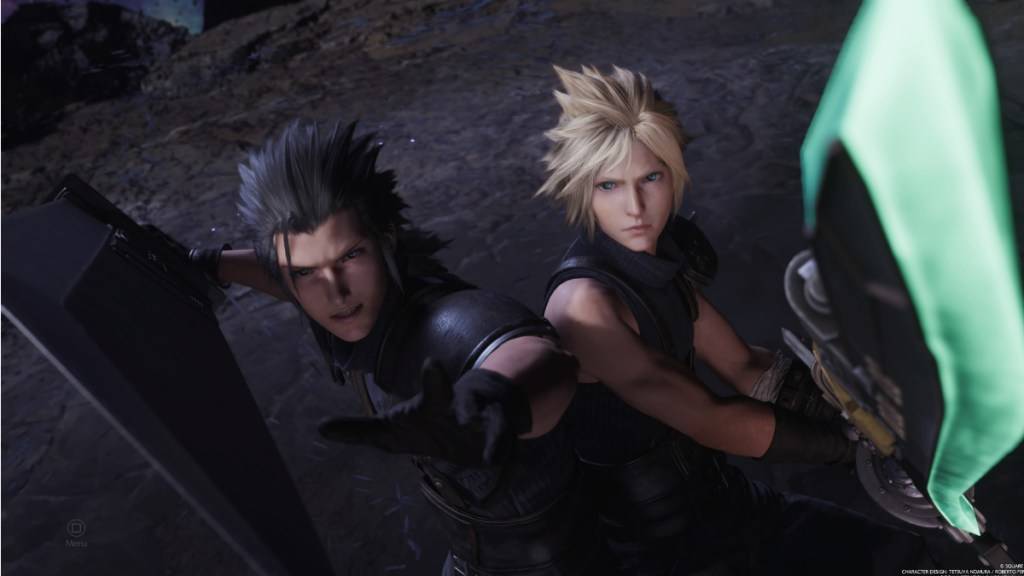
*Final Fantasy 7 Rebirth*, the eagerly anticipated sequel to *Final Fantasy VII Remake*, has been captivating players for nearly a year now. Its enduring appeal lies in the fact that single-player games like this can be enjoyed at any time. However, new players are increasingly encountering DirectX 12 errors that prevent the game from launching, souring their initial experience.
These errors are primarily linked to the version of Windows on your PC. To run *Final Fantasy 7 Rebirth* smoothly, you need DirectX 12, which is only compatible with Windows 10 and 11.
Related: Final Fantasy VII Rebirth’s Briana White Forges Community By Wearing Her Heart on Her Sleeve [Interview]
How To Fix DirectX 12 (DX12) Errors in Final Fantasy 7 Rebirth on PC
If you're confident your PC is running the latest version of Windows, the next step is to verify your DirectX version. Here's how to do it on Windows 10 or 11:
- Type “dxdiag” into the Search bar from Start.
- Click on “dxdiag” to open the DirectX Diagnostic Tool.
- Head to the System Information section to check which version of DirectX is installed.
If you're stuck with an older version of Windows, unfortunately, you're out of luck for now. Checking for any available updates might help, but if that doesn't work, consider seeking a refund or exploring other gaming options.
If you confirm you have DirectX 12 and still face errors, the issue might stem from your graphics card. Many players on Reddit have voiced frustrations, suggesting that the game's minimal system requirements could be the culprit, not their Windows version.
You can find the full system requirements on Square Enix’s official website. Here are the recommended GPUs:
- AMD Radeon™ RX 6600*
- Intel® Arc™ A580
- NVIDIA® GeForce® RTX 2060*
Realizing your GPU doesn't meet the game's requirements can be disheartening, especially after purchasing the game. However, these requirements exist to ensure the best possible gaming experience. If you're determined to play *Final Fantasy 7 Rebirth*, upgrading your graphics card might be necessary.
And that’s how to tackle DirectX 12 Errors (DX12) in *Final Fantasy 7 Rebirth* on PC. For more tips, check out the best deck and strategy to defeat the Shadowblood Queen in this Square Enix title.
*Final Fantasy 7 Rebirth is available now on PlayStation and PC.*
Latest News
more >-

-
-

- Universal Piece Trello and Wiki Links
- Oct 22,2026
-

-




